18
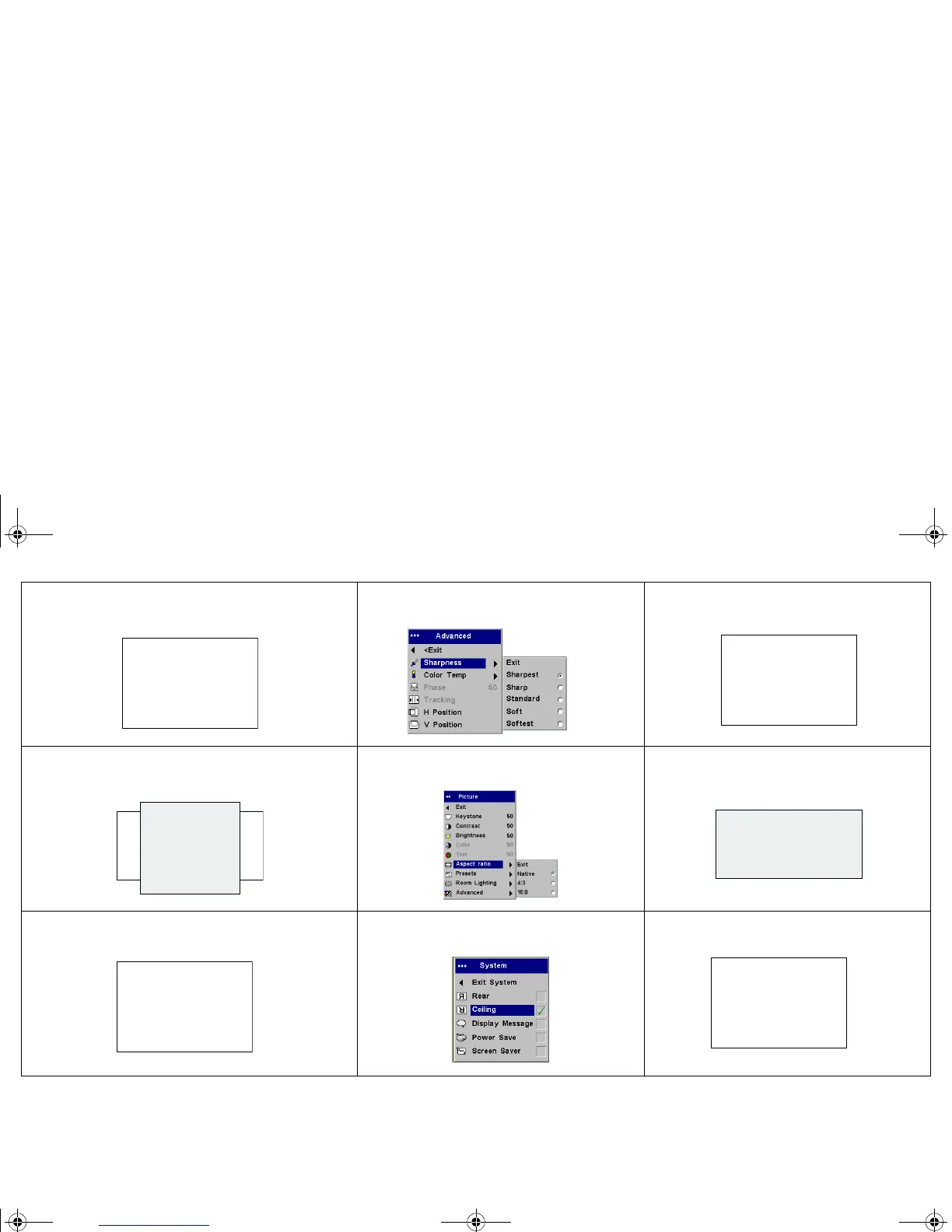
Image not sharp
Adjust Sharpness in the Picture>Advanced
menu
Correct image
Image does not fit 16:9 screen
Change aspect ratio to 16:9 in
Picture>Aspect ratio menu
Correct image
Image upside down
Turn on/off Ceiling in Settings>System
menu
Correct image
ABAB
AB
AB
AB
p5p7 manual.fm Page 18 Thursday, January 9, 2003 9:46 AM



 To Next Page