19
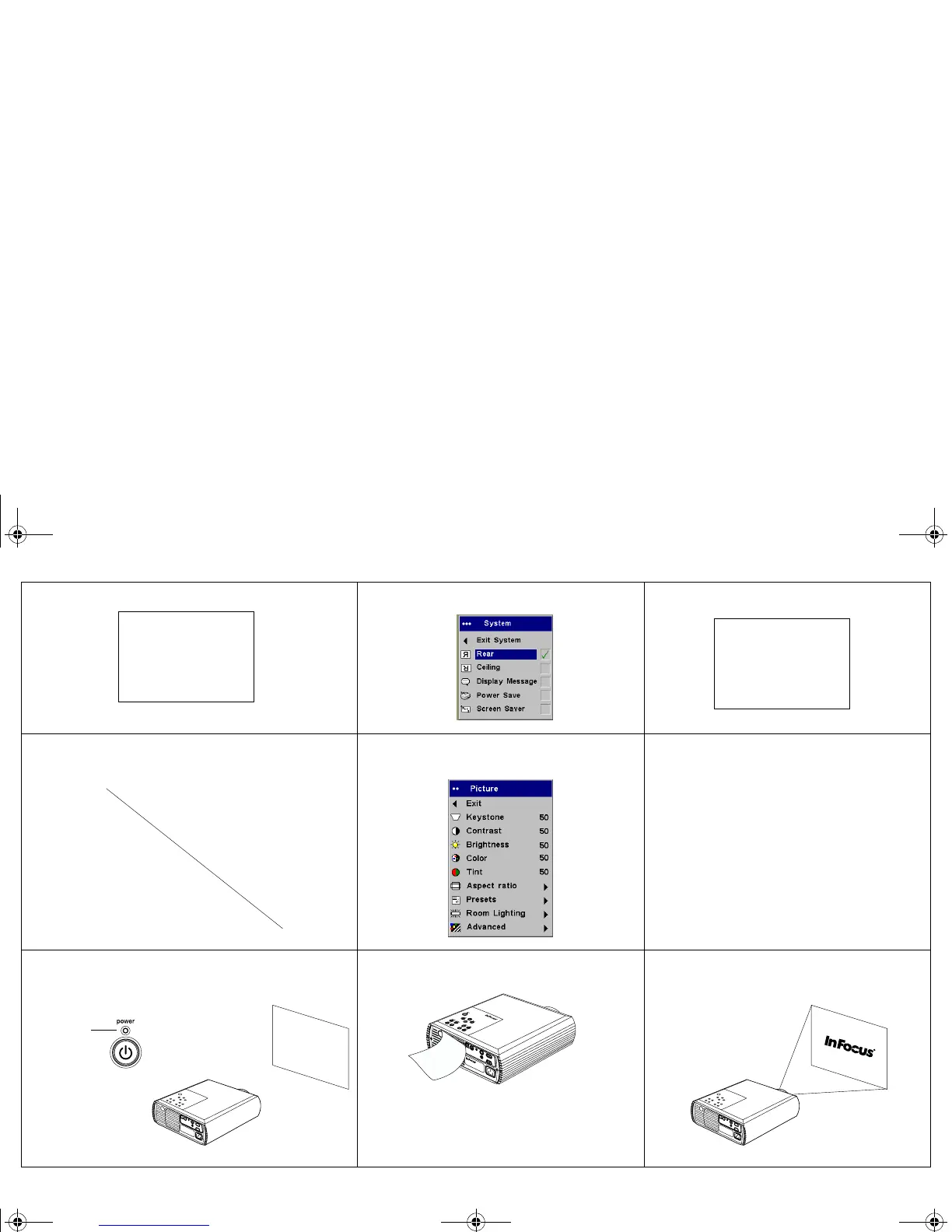
Image reversed left to right
Turn on/off Rear in Settings>System menu
Correct image
Projected colors don’t match source
Adjust color, tint, color temperature,
brightness, contrast in the menus
Correct image
Lamp won’t turn on, LED blinking red
Make sure vents aren’t blocked, turn off the
projector and allow it to cool for a minute
Lamp turns on
A
B
AB
COLOR
COLOR
blinks red
p5p7 manual.fm Page 19 Thursday, January 9, 2003 9:46 AM



 To Next Page