LP340/340B/350 Service Manual 26
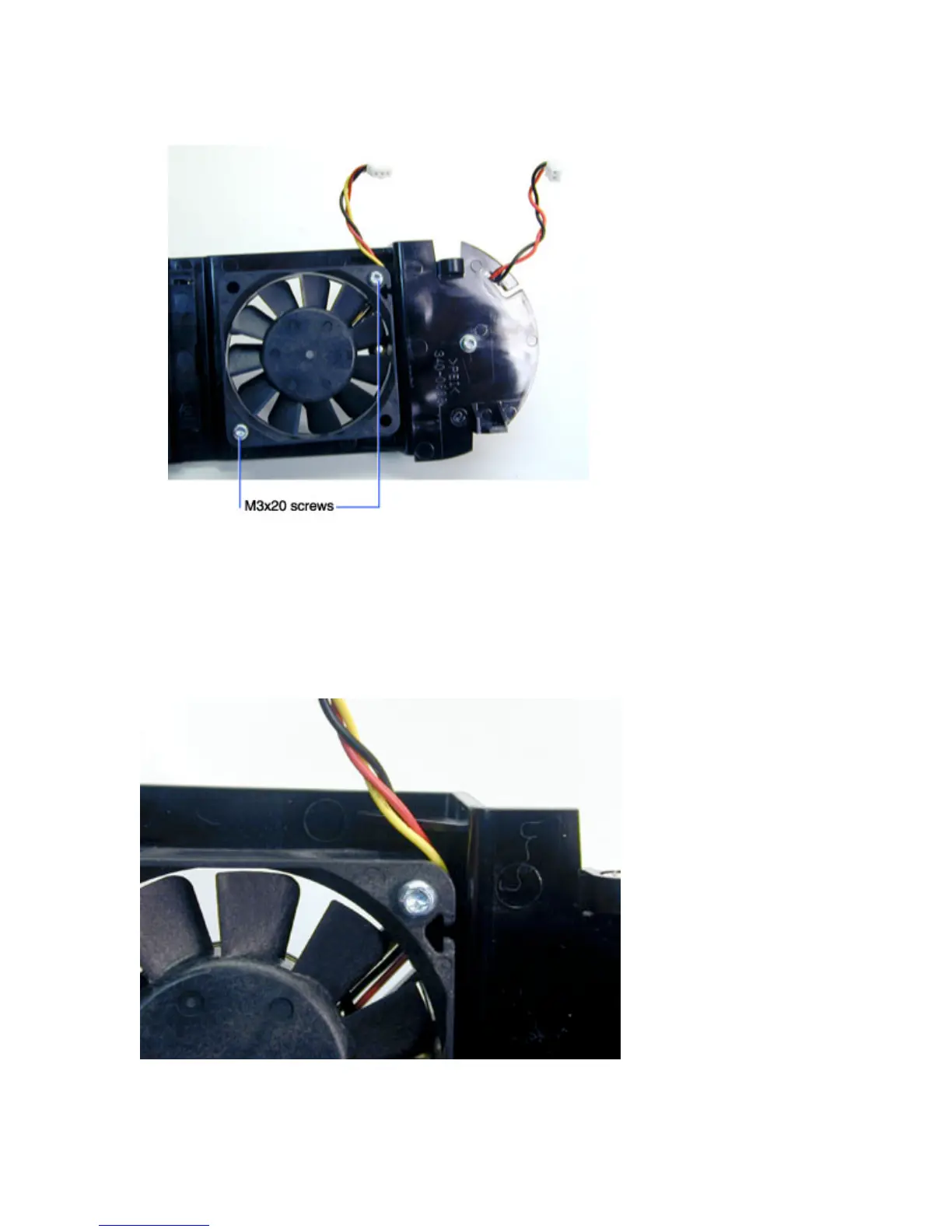
6 To replace the 60 mm fan, remove the two M3x20 Phillips machine screws that fasten the fan to
the bracket.
Assembly Notes
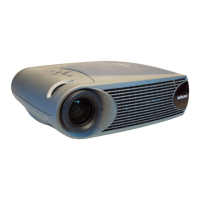
♦ If you removed the 60 mm fan, position the fan on the speaker/fan bracket so the label on the fan
faces outward when the fan is installed. The power cable should emerge at the top right of the fan.
Tighten the two M3x20 Phillips screws to 4 in.-lbs. (.452 N m).



 To Next Page