LP340/340B/350 Service Manual 68
Software Upgrade and DMD Bias
Adjustment
This section shows you how to upgrade the system, boot and splash screen software for the LP350,
LP340 and LP340B.
You’ll also find out how to check and adjust the DMD bias setting on the controller ECA. You must check
the bias setting whenever you replace an optical engine or controller ECA.
Upgrading the System Software for the LP350, LP340 and LP340B
To upgrade the software on the projector, you need to do the following:
♦ Download the software from the InFocus web site.
♦ Load the software on your computer
♦ Connect the computer and projector
♦ Install (flash) the software on the projector
Downloading the Software to your Computer
1 In the Projector Software page, click the software version link.
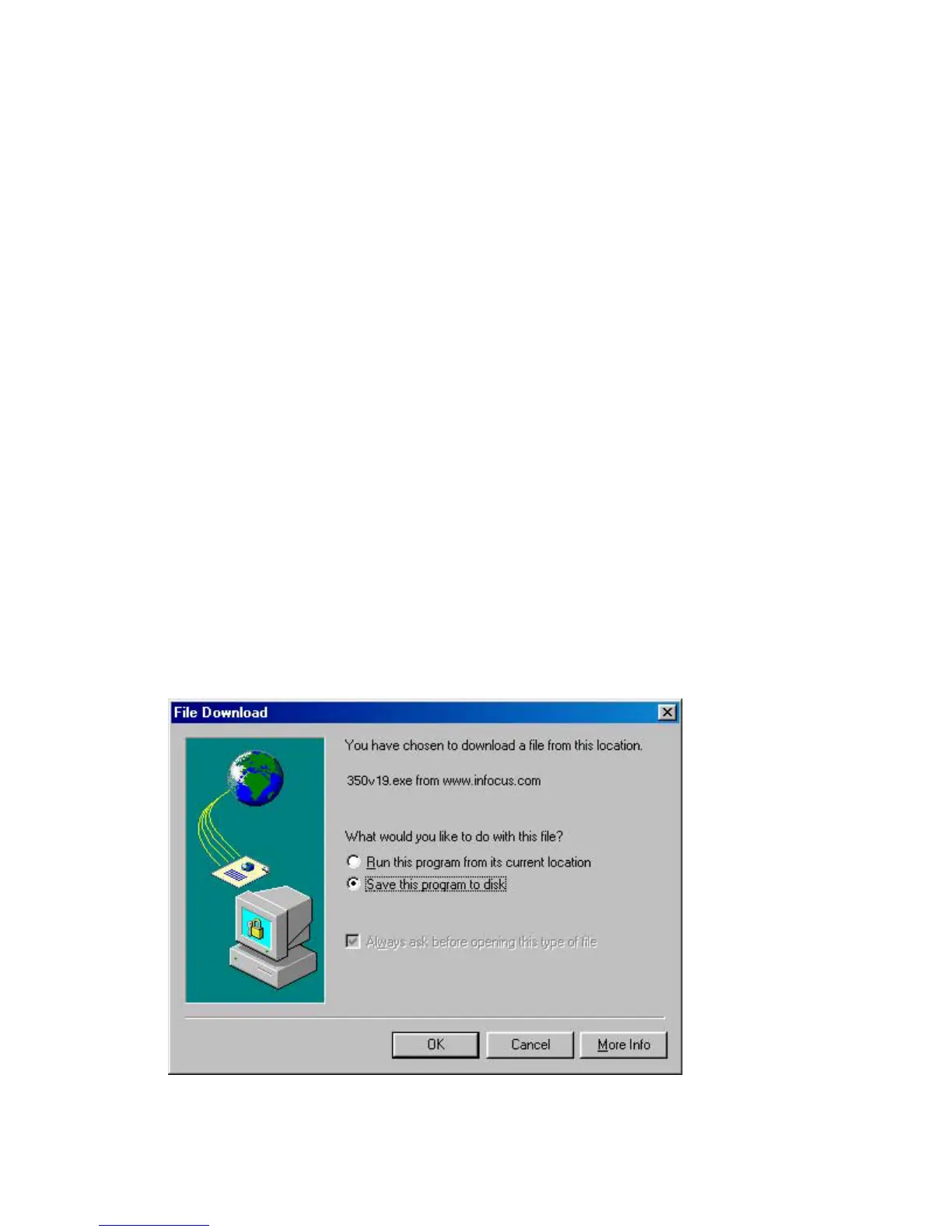
The File Download dialog box appears.
2 In the File Download box, select Save This Program To Disk option, then click OK.



 To Next Page