LP340/340B/350 Service Manual 73
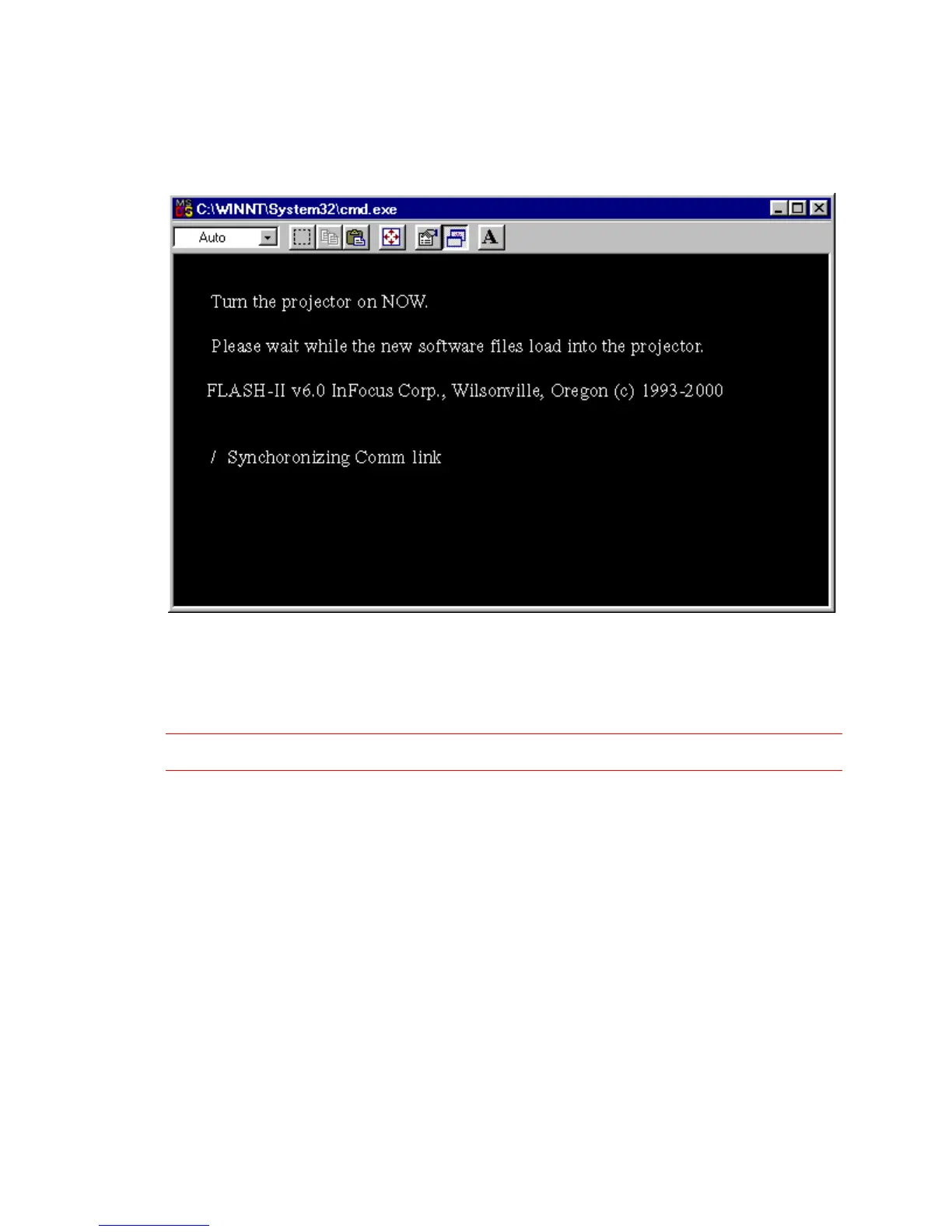
3 Press a key, then watch for the circular timer to appear.
The circular timer resembles a slash ( / ) that rotates. It is located next to the text, Synchronizing
Comm link
4 Press the power button on the projector within five seconds of the appearance of the timer.
The upgrade files download to the projector. This takes several minutes.
If you see the message No response, it means the projector wasn’t turned on within five seconds.
WARNING Turning the projector off while the upgrade files transfer can damage the controller ECA.
5 When the installation is complete, the lamp ignites and the startup screen appears on the screen.



 To Next Page