19
Still having problems?
If you need assistance, visit the Service and Support section of our website
or call us.
This product is backed by a limited warranty. An extended warranty plan
may be purchased from your dealer. When sending the projector in for
repair, we recommend shipping the unit in its original packing material, or
having a professional packaging company pack the unit. Please insure your
shipment for its full value.
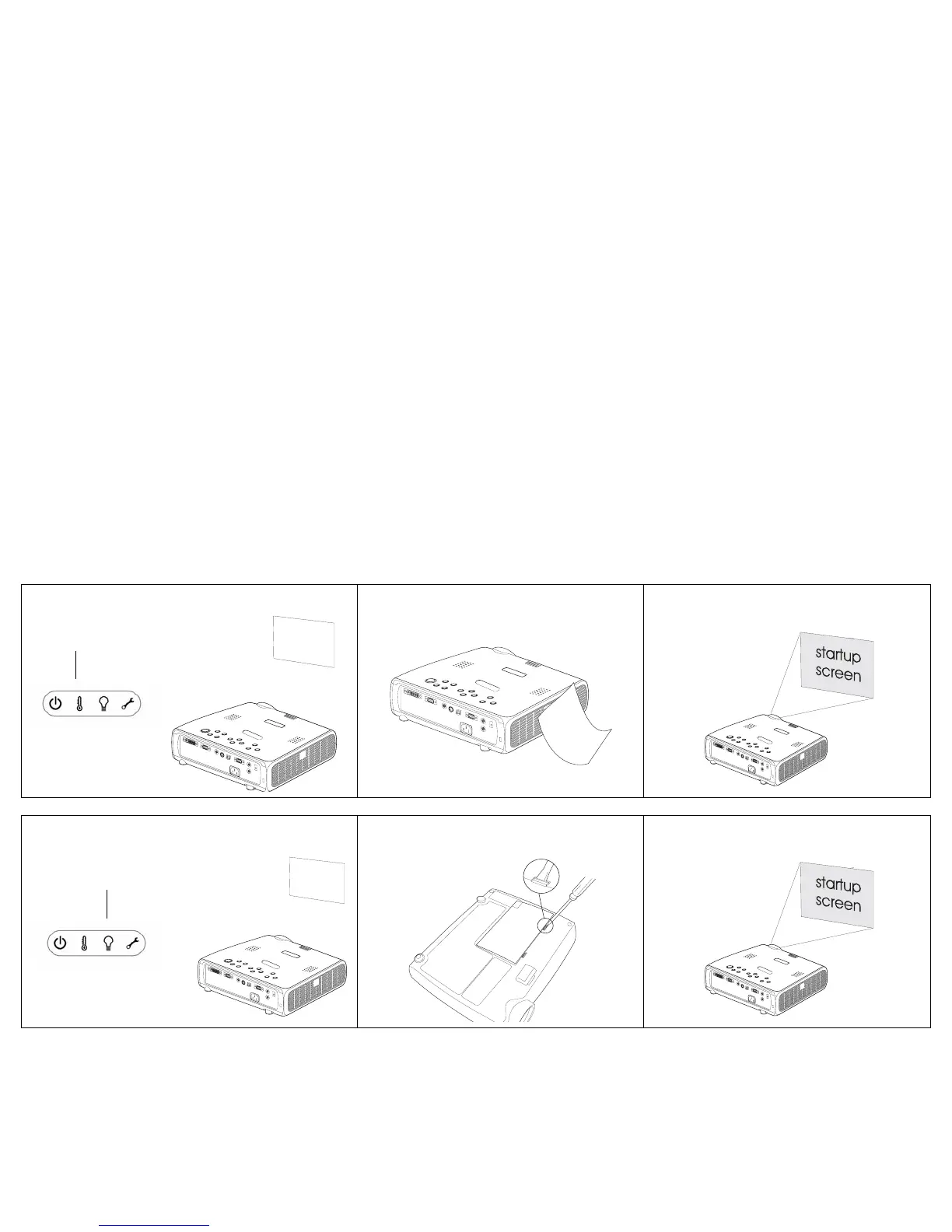
Lamp won’t turn on, Temperature light is on
Make sure vents aren’t blocked; allow
projector to cool for one minute
Unplug projector; wait one minute; plug in
projector and turn it on: lamp lights
“Change lamp” message appears at startup, lamp
won’t turn on, Lamp light is turned on
Lamp must be replaced (page 33)
Lamp turns on
Temperature light
Lamp light



 To Next Page