EasyManua.ls Logo

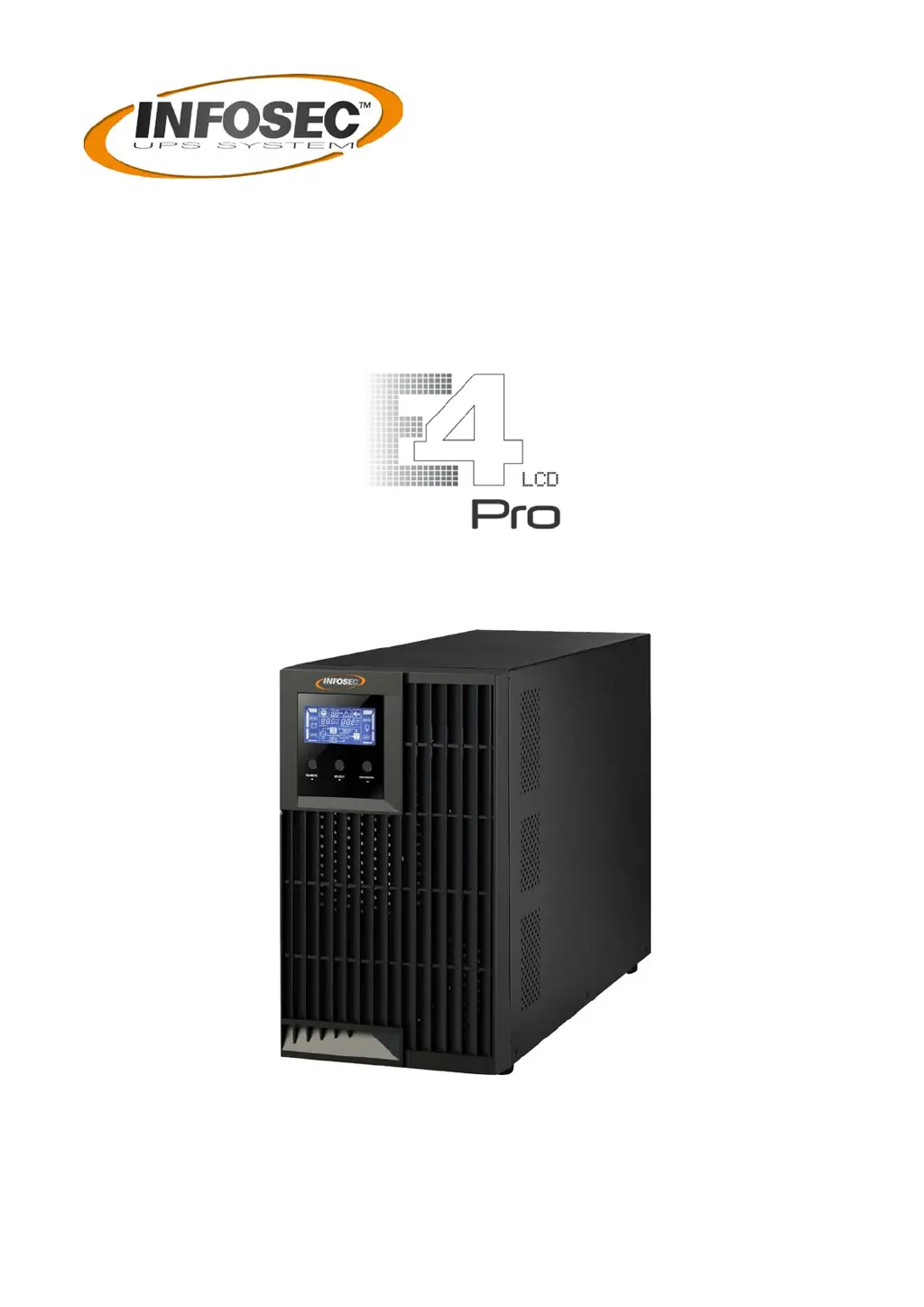
INFOSEC E4 LCD Pro Series - User Manual

INFOSEC E4 LCD Pro Series
41 pages
Go to English
Print Icon
To Next Page IconTo Next Page
Loading...
MANUEL UTILISATEUR / USER MANUAL
1000(S) / 1500(S) / 2000(S) / 3000(S)

Questions and Answers

  • Z
    zmorrisAug 1, 2025
    What to do if the icons are flashing and the alarm sounds twice every second on my INFOSEC UPS?
    • R
      richardcalderonAug 1, 2025
      If the icons are flashing on the LCD display and the alarm sounds twice every second, it means that your INFOSEC UPS is overloaded. You should remove excess loads from the UPS output. In some cases devices connected to the UPS are fed directly by the electrical network via the Bypass. After repetitive overloads, the UPS can be locked in the Bypass mode. To resolve this, remove excess loads from the UPS output first, then shut down the UPS and restart it.
  • J
    John RasmussenAug 5, 2025
    What to do if fault code 43 is shown on my INFOSEC E4 LCD Pro UPS?
    • A
      Anthony ThomasAug 5, 2025
      If fault code 43 is displayed, the icon lights up, and the alarm sounds continuously on your INFOSEC UPS, it means the UPS shut down automatically due to an overload at the UPS output. Remove excess loads from the UPS output and restart it.
  • W
    walter66Aug 9, 2025
    What to do if fault code 14 is shown on my INFOSEC E4 LCD Pro UPS?
    • M
      Michael CastroAug 9, 2025
      If fault code 14 is displayed, the icon lights up, and the alarm sounds continuously on your INFOSEC UPS, it indicates that the UPS shut down automatically because a short circuit occurred on the UPS output. Check the output wiring and if the connected devices are in short circuit status.
  • S
    Sarah CummingsAug 13, 2025
    Why is the battery backup time shorter than nominal value on my INFOSEC E4 LCD Pro?
    • D
      Dr. Connie Martinez PhDAug 13, 2025
      If your INFOSEC UPS battery backup time is shorter than expected, it could be due to the following reasons: * The batteries are not fully charged: Charge the batteries for at least 5 hours and then check their capacity. * The batteries are defective.
  • H
    Heather CrossAug 18, 2025
    What to do if the icons are flashing and the alarm sounds every second on my INFOSEC E4 LCD Pro?
    • A
      andersondennisAug 18, 2025
      If the icons are flashing on the LCD display and the alarm sounds every second on your INFOSEC UPS, it indicates that the external or internal battery is incorrectly connected. Check that all batteries are connected properly.
  • E
    Eric PerryAug 22, 2025
    How to fix no indication or alarm on my INFOSEC UPS?
    • C
      charlottepenningtonAug 22, 2025
      If there is no indication or alarm even though the main is normal on your INFOSEC UPS, it could be due to these reasons: * The AC input power is not properly connected: Check that the input power cord is firmly connected to the mains. * The AC input is connected to the UPS output: Plug the AC input power cord into the AC input socket correctly.
  • A
    Amanda MurphyAug 27, 2025
    Why is the warning code displayed and the alarm sounds every second on my INFOSEC UPS?
    • J
      Jackie OwensAug 27, 2025
      If the warning code is displayed on the LCD screen and the alarm sounds every second on your INFOSEC UPS, it means that the internal temperature is too high.

Summary

Important Safety Instructions for INFOSEC UPS

UPS Maintenance and Fault Handling

Procedures and warnings related to UPS upkeep, servicing, and resolving faults with hazardous voltages.

Battery Safety and Handling

Information and safety warnings concerning the UPS batteries, including disposal and replacement.

INFOSEC UPS Installation and Setup Guide

Setting Up the INFOSEC UPS

Step-by-step guide for connecting the UPS input, output, and communication ports.

INFOSEC UPS Operations and Features

INFOSEC UPS Configuration Settings

Guide to configuring various operational parameters of the UPS via its menu system.

INFOSEC UPS Fault Code Reference

Listing of fault codes, their associated events, icons, and potential causes.

INFOSEC UPS Troubleshooting Guide

INFOSEC E4 LCD Pro Series Specifications

General IconGeneral
BrandINFOSEC
ModelE4 LCD Pro Series
CategoryUPS
LanguageEnglish

Related product manuals