EasyManua.ls Logo

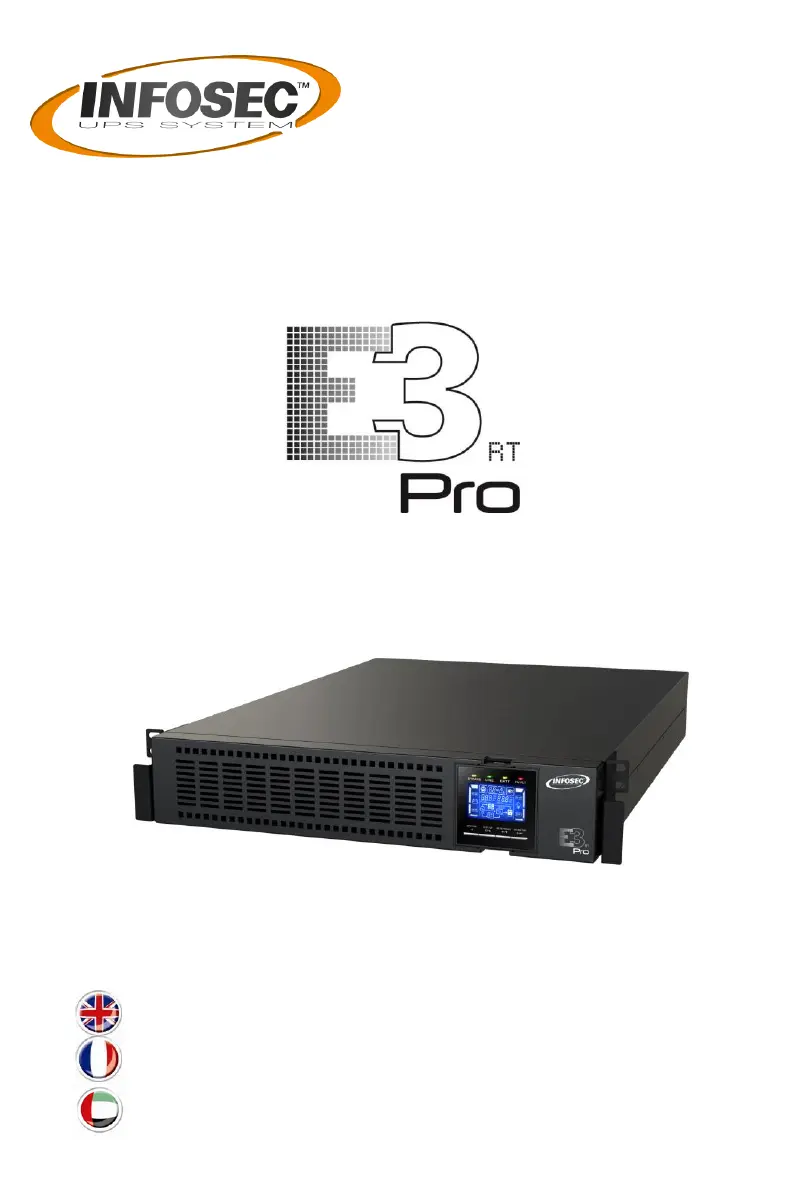
INFOSEC E3 Pro RT - User Manual

INFOSEC E3 Pro RT
100 pages
Print Icon
To Next Page IconTo Next Page
Loading...
USER MANUAL / MANUEL UTILISATEUR

User guide ______________________________________ 2
Notice d’utilisation _______________________________ 35
___________________________________________74
5000 / 6000 / 10k VA

Questions and Answers

  • C
    Charles EnglishAug 4, 2025
    What to do if my INFOSEC E3 Pro RT is overloaded?
    • Y
      Yesenia PopeAug 4, 2025
      If your INFOSEC UPS alarm beeps twice every second and the LCD display flashes, it means the UPS is overloaded. Remove some of the connected devices from the UPS output. This issue can also occur when devices connected to the UPS are fed directly by the electrical network through the Bypass. Remove excess loads from the UPS output. If the UPS is locked on Bypass mode after repetitive overloads, remove excess loads, then shut down the UPS and restart it.
  • T
    Tristan GordonAug 9, 2025
    What to do if my INFOSEC UPS shows fault code 14?
    • M
      morganteresaAug 9, 2025
      If your INFOSEC UPS shows fault code 14, the icon lights on the LCD display, and the alarm beeps continuously, it indicates that a short circuit occurred on the UPS output, causing the UPS to shut down automatically. Check the output wiring and ensure that none of the connected devices are in a short circuit status.
  • M
    milesmichaelAug 14, 2025
    Why is my INFOSEC E3 Pro RT UPS battery backup time so short?
    • A
      Alan HardinAug 14, 2025
      A shorter than expected battery backup time on your INFOSEC UPS can be due to a few reasons: * The batteries may not be fully charged. To resolve this, charge the batteries for at least 7 hours and then check their capacity. * There may be a battery defect.
  • M
    Mr. Raymond Mcgrath DVMAug 19, 2025
    What does fault code 43 mean on my INFOSEC E3 Pro RT?
    • J
      Joseph ColeAug 19, 2025
      If your INFOSEC UPS displays fault code 43, the icon lights on the LCD display and the alarm beeps continuously, it means the UPS has been overloaded for too long and has become faulty, causing it to shut down automatically. Remove excess loads from the UPS output and restart it.
  • K
    Kevin JonesAug 25, 2025
    What to do if my INFOSEC E3 Pro RT beeps every second and the EPO function is enabled?
    • T
      Trevor WestAug 25, 2025
      If your INFOSEC UPS beeps every second and the LCD display flashes with a warning code, it might be because the EPO (Emergency Power Off) function is enabled. To disable it, set the circuit to the closed position.
  • D
    Derek JonesAug 29, 2025
    How to fix a INFOSEC E3 Pro RT UPS with no display when mains is normal?
    • D
      Diana KleinAug 29, 2025
      If there is no indication or alarm on the front display panel of your INFOSEC UPS, even when the mains power is normal, it could be due to the AC input power not being connected properly. Make sure the input cable is firmly connected to the mains.

Summary

User Guide

Safety and Handling

Comprehensive safety instructions for UPS operation, including electrical shock and battery handling.

Installation and Connection

Guidance on UPS installation, wiring, product connection, and battery handling.

Transportation, Preparation, and Disposal

Instructions for transporting, preparing, and disposing of the UPS and its batteries.

Connection Warnings

Electrical Connection Safety

Highlights key warnings and precautions for safely connecting the UPS to electrical systems.

Voltage Backfeed Risk

Details the risk of voltage backfeed and necessary precautions during circuit work.

Standards and Compliance

Safety, EMI;EMS, and CE Standards

Lists applicable safety, EMI/EMS standards and CE conformity for the UPS system.

Installation Procedures

Unpacking and Inspection

Instructions for unpacking the UPS and inspecting the contents for damage or missing parts.

Hardware Connections

Illustrates rear panel ports and details external battery pack connections and installation.

Single UPS Installation

Step-by-step guide for installing a single UPS unit, including wiring specifications.

Software Installation

Instructions for installing UPS monitoring software via USB, RS-232, or intelligent slot.

Operations and Controls

Button Operations

Explains the function of each button on the UPS for control and navigation.

LED and LCD Panel Overview

Describes the meaning of LED indicators and the layout of the LCD panel on the UPS.

UPS Operation Modes and Alarms

Details UPS operation in AC, Battery, CVCF, and Bypass modes, including audible alarms.

Status Handling and Settings

Guides on turning off UPS, muting alarms, handling fault statuses, battery configuration, and LCD settings.

Troubleshooting

Troubleshooting Guide

Table listing symptoms, possible causes, and remedies for common UPS operational issues.

Storage and Maintenance

Storage Guidelines

Recommendations for storing the UPS, including temperature, recharge frequency, and duration.

Maintenance Precautions

Essential safety precautions and procedures for qualified personnel performing UPS maintenance.

Technical Specifications

Physical and Electrical Specifications

Details physical dimensions, weight, capacity, input/output voltage, and frequency ranges.

Performance and Battery Specifications

Specifies voltage regulation, transfer times, efficiency, battery type, and backup time.

Communication, Environment, and Compliance

Covers communication interfaces, operating environment, standards compliance, and warranty.

INFOSEC E3 Pro RT Specifications

General IconGeneral
Output Power Capacity2700 W
Input Voltage230 V
Output Voltage230 V
Number of Outlets8
Waveform TypeSinewave
Output power factor0.9
Frequency50/60 Hz
Operating Temperature0-40°C
Humidity0-95% non-condensing
Power Rating3000 VA
Battery TypeSealed Lead Acid
Battery RuntimeUp to 10 minutes at full load
Form FactorRack/Tower
TopologyLine Interactive
Communication InterfaceUSB, RS-232
Storage Temperature-15°C to 45°C

Related product manuals