EasyManua.ls Logo

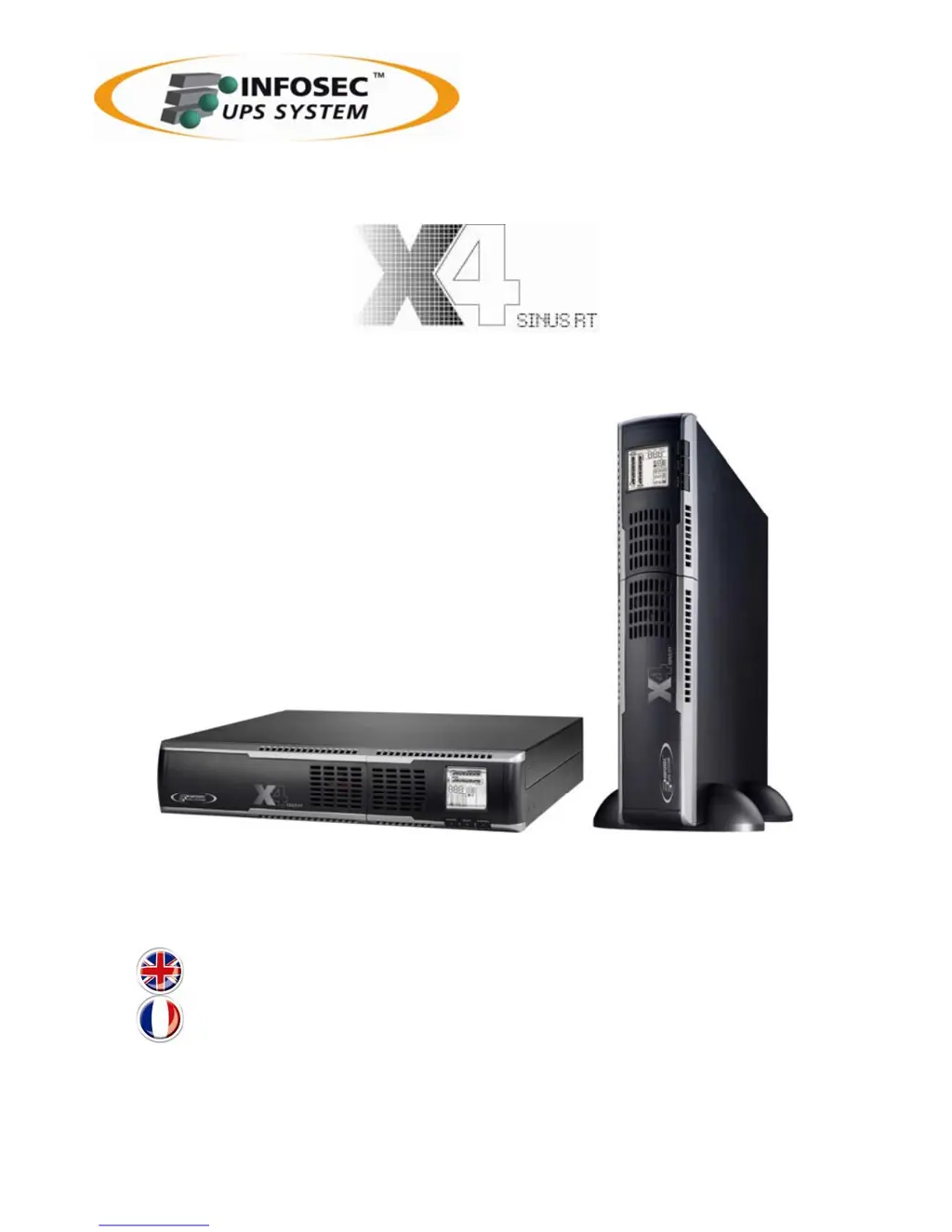
INFOSEC X4 SINUSRT - User Manual

INFOSEC X4 SINUSRT
35 pages
Print Icon
To Next Page IconTo Next Page
Loading...
1500/2000/3000 VA
User guide ________________________ 3
Notice d’utilisation ________________ 20

Questions and Answers

  • L
    Linda BakerAug 13, 2025
    What to do if INFOSEC UPS fault code 43 is shown due to an overload?
    • C
      Crystal HoltAug 13, 2025
      If the INFOSEC UPS shuts down due to an overload, remove some of the devices connected to the UPS output and then restart the UPS.
  • E
    Emily PearsonAug 17, 2025
    What to do if INFOSEC UPS fault code 14 is shown and alarm is continuously sounding?
    • A
      April MillerAug 17, 2025
      If the INFOSEC UPS shuts down because of a short circuit, examine the output wiring and check the devices connected to see if any are causing a short circuit.
  • A
    anthony91Aug 21, 2025
    What to do if the overload icon is flashing on my INFOSEC UPS?
    • A
      Amy PollardAug 21, 2025
      If the INFOSEC UPS is overloaded, disconnect some of the devices drawing power from the UPS output.
  • Z
    zchavezAug 25, 2025
    Why is the battery backup time shorter than nominal value on my INFOSEC UPS?
    • T
      Thomas LopezAug 26, 2025
      If the backup time of your INFOSEC UPS is shorter than expected: * Charge the batteries for at least 5 hours, then check the capacity. * If the issue continues, it may indicate defective batteries. Contact your dealer to replace the battery.
  • D
    Deborah KirbyAug 28, 2025
    How to fix line and neutral conductors reversed on INFOSEC UPS?
    • D
      davisjoannAug 28, 2025
      If the line and neutral conductors of your INFOSEC UPS input are reversed, rotate the mains power socket by 180° and then connect it to the UPS system.
  • J
    juliecrossSep 1, 2025
    How to disable EPO function on INFOSEC UPS?
    • R
      Randy BakerSep 1, 2025
      If the EPO function is activated on your INFOSEC UPS, set the circuit in the closed position to disable the EPO function.
  • V
    Valerie ThomasSep 4, 2025
    Why is there no indication on my INFOSEC UPS even though the main is normal?
    • C
      Charles HowardSep 4, 2025
      If there is no indication and alarm on your INFOSEC UPS, even when the main power is normal: * Check if the input power cord is firmly connected to the mains. * Ensure the AC input power cord is correctly plugged into the AC input.
  • M
    Marcus LopezSep 8, 2025
    What to do if the fan is locked on INFOSEC UPS?
    • V
      victoria69Sep 8, 2025
      Check the fans of your INFOSEC UPS. If they are not working properly, notify your dealer.

Summary

Safety Instructions

Risk of Electric Shock

Hazards and precautions related to electric shock from the UPS unit.

Connected Products Guidelines

Guidelines on what to connect and not connect to the UPS for safe operation.

Battery Safety Information

Information and precautions regarding the UPS batteries.

Installation and Setup

UPS Installation Procedure

Steps for connecting battery wires and physical installation of the UPS.

Initial UPS Setup

Initial setup steps for the UPS, including input connection.

Powering On and Software Installation

Procedure for powering on the UPS and installing management software.

Battery Maintenance

Battery Replacement Guide

Step-by-step guide for replacing the UPS batteries.

Operations and Controls

Button Operations

Explanation of the functions of the UPS control buttons.

Troubleshooting

INFOSEC X4 SINUSRT Specifications

General IconGeneral
BrandINFOSEC
ModelX4 SINUSRT
CategoryUPS
LanguageEnglish

Related product manuals