EasyManua.ls Logo

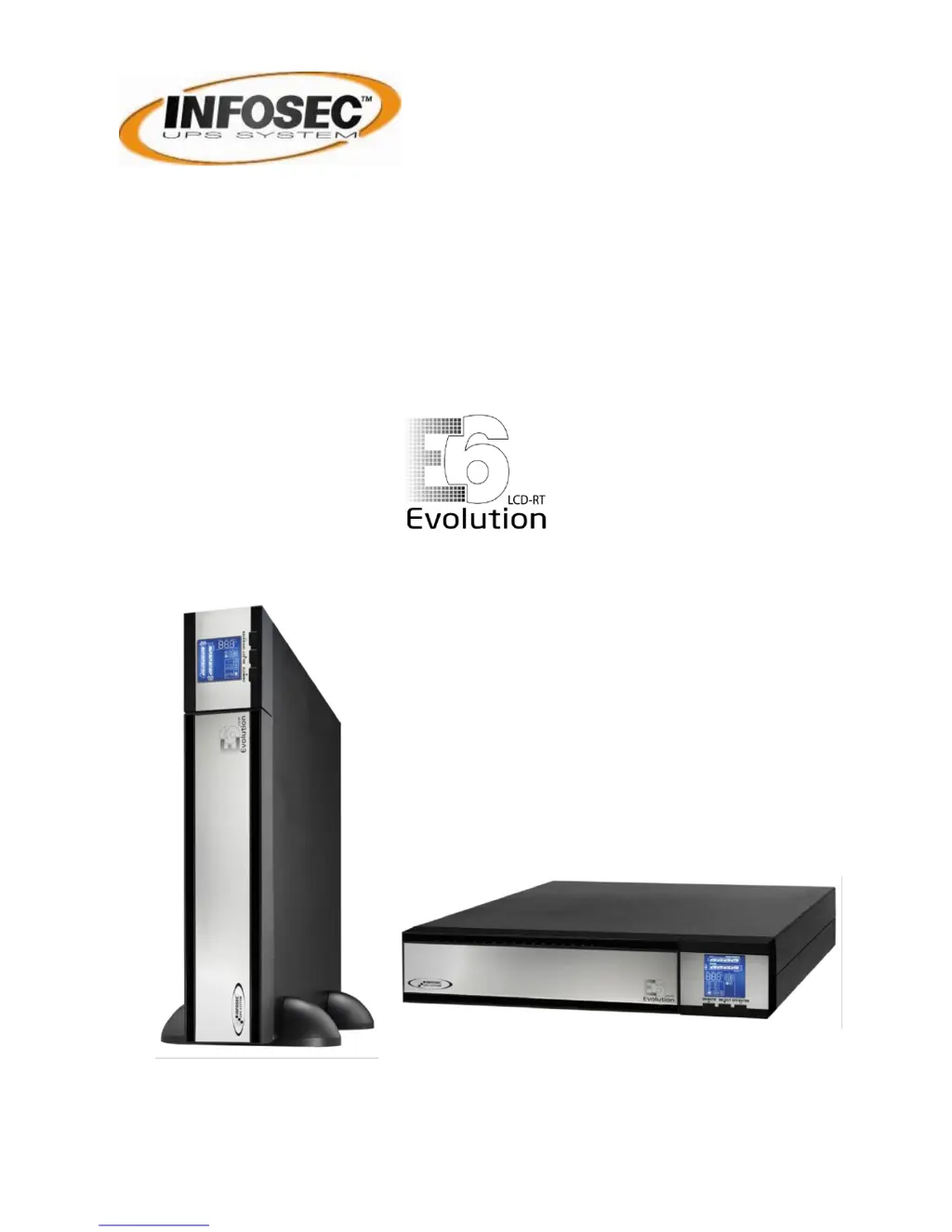
INFOSEC E6 LCD RT EVOLUTION (S) 1000 - User Manual

INFOSEC E6 LCD RT EVOLUTION (S) 1000
60 pages
Go to English
Print Icon
To Next Page IconTo Next Page
Loading...
Manuel utilisateur / User Manual
1000(S) / 2000(S) / 3000(S)

Questions and Answers

  • D
    David DavisAug 15, 2025
    What to do if the icons are flashing on LCD display and alarm is sounding on INFOSEC UPS?
    • S
      Sheena LeeAug 15, 2025
      When the INFOSEC UPS displays flashing icons on the LCD and an alarm sounds twice every second, it indicates the UPS is overloaded. To resolve this, remove some of the connected devices from the UPS output. In some cases, the UPS may be locked in Bypass mode after repetitive overloads. If this occurs, remove excess loads, then shut down the UPS and restart it.
  • M
    Mike NealAug 18, 2025
    What to do if fault code 43 is shown on INFOSEC E6 LCD RT EVOLUTION (S) 1000 UPS?
    • A
      April SmithAug 18, 2025
      If the INFOSEC UPS shows fault code 43, the icon is lit on the LCD, and the alarm is continuously sounding, it means the UPS shut down automatically due to an overload at the output. To fix this, you should remove some of the connected devices from the UPS output and then restart the UPS.
  • K
    Kevin VillarrealAug 21, 2025
    What to do if fault code 14 is shown on INFOSEC E6 LCD RT EVOLUTION (S) 1000?
    • G
      George HarrisonAug 22, 2025
      If the INFOSEC UPS displays fault code 14 and the alarm is continuously sounding, it indicates that the UPS shut down automatically because of a short circuit on the UPS output. You should check the output wiring and the devices connected to see if any are causing a short circuit.
  • J
    Joshua SmithAug 25, 2025
    Why is the icon and the warning code flashing on LCD display and alarm is sounding on INFOSEC UPS?
    • T
      Thomas DavisAug 26, 2025
      If the INFOSEC UPS displays the icon and a warning code, and the alarm sounds every second, it could be due to several reasons. One possibility is that the EPO (Emergency Power Off) function is activated. To resolve this, set the circuit in a closed position to disable the EPO function. Another cause could be that the line and neutral conductors of the UPS input are reversed. If this is the case, rotate the mains power socket by 180° and then connect it to the UPS system. Finally, the external or internal battery may be incorrectly connected. Ensure all batteries are properly connected.
  • B
    Benjamin GarciaAug 28, 2025
    Why is battery backup time shorter than nominal value for INFOSEC UPS?
    • E
      Eric CochranAug 29, 2025
      If the battery backup time of your INFOSEC UPS is shorter than expected, it could be because the batteries are not fully charged. Try charging the batteries for at least 5 hours and then check the capacity. If the problem continues, it might be a sign of defective batteries, and you should contact your dealer to replace them.
  • A
    Alicia WilsonSep 1, 2025
    How to fix no indication and alarm even though the main is normal on INFOSEC E6 LCD RT EVOLUTION (S) 1000?
    • J
      john89Sep 1, 2025
      If your INFOSEC UPS shows no indication and no alarm, even when the main power is normal, it could be due to a couple of reasons. First, check if the input power cord is firmly connected to the mains. If it is, then verify that the AC input power cord is correctly plugged into the AC input, and not accidentally connected to the UPS output.
  • D
    Dana NelsonSep 4, 2025
    What to do if fault code 28 is shown on INFOSEC UPS?
    • G
      Gary SmithSep 4, 2025
      If the INFOSEC UPS displays fault code 28, the icon is lit on the LCD, and the alarm is continuously sounding, it means the battery voltage is too low or the charger is faulty. In this case, you should contact your dealer for assistance.
  • M
    Michael BellSep 7, 2025
    What to do if fault code 27 is shown on INFOSEC UPS?
    • J
      Jeremy WallsSep 7, 2025
      If the INFOSEC UPS displays fault code 27, the icon is lit on the LCD, and the alarm is continuously sounding, it indicates that the battery voltage is too high or the charger is faulty. You should contact your dealer for assistance.
  • A
    Andrew CurrySep 12, 2025
    What does it mean if fault code is shown as 01, 02, 03, 04, 11, 12, 13 and 41 on INFOSEC UPS?
    • W
      William CastanedaSep 12, 2025
      If the INFOSEC UPS displays fault codes 01, 02, 03, 04, 11, 12, 13 and 41 on the LCD and the alarm is continuously sounding, it indicates that an internal fault has occurred within the UPS. The suggested solution is to contact your dealer.

INFOSEC E6 LCD RT EVOLUTION (S) 1000 Specifications

General IconGeneral
BrandINFOSEC
ModelE6 LCD RT EVOLUTION (S) 1000
CategoryUPS
LanguageEnglish

Related product manuals