INFOSEC UPS SYSTEM - 4, rue de la Rigotière - 44700 Orvault - FRANCE - www.infosec-ups.com
Hot Line – Tel + 33 (0)2 40 76 15 82 - Fax + 33 (0)2 40 94 29 51 - hotline@infosec.fr – 11 17 AA 59 204 18
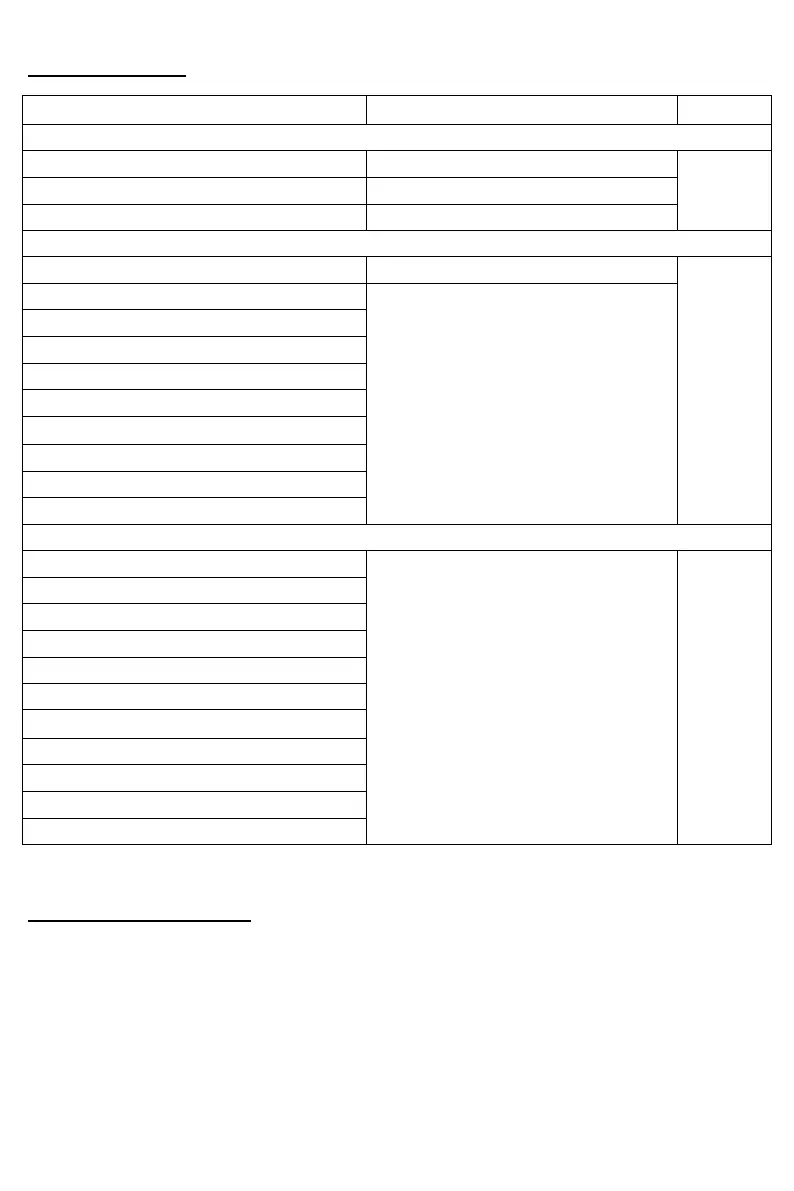
3-3. Audible Alarm
Beeping once every 2 minutes
Beeping once every 4 seconds
Beeping twice every second
Beeping once every second
Fan failure/Over temperature
Overload 3 times in 30min
Cover of maintain switch is open
Inverter soft start failure
Inverter output short circuited
Battery SCR short circuited
3-4. Single UPS Operation
1. Switch on the UPS with utility power supply (in AC mode)
1) Once the power supply has been correctly connected, set the breaker of the
battery pack to the “ON” position. Then set the input breaker to the “ON” position.
The fan is now running and the UPS supplies power to the loads via the bypass.
The UPS is operating in Bypass mode.















 To Next Page