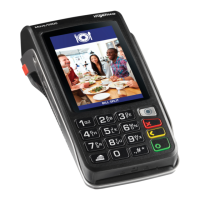
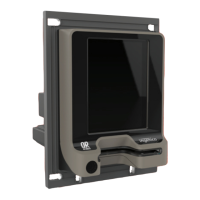
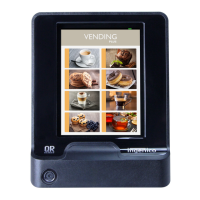
10
DEBIT CARDS ONLY
• At the READY screen swipe the debit card
• Confirm with the customer which account type to select:
- Cheque
- Savings
• Select the account required
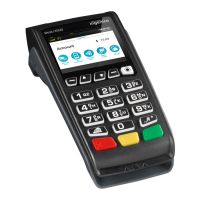
• Press Enter (Green ‘O’) key
• Select Balance Enquiry followed by Enter
• Debit cards require a customer PIN code. Pass the terminal to the cardholder
to Enter their card PIN and press Enter
• Once the PIN has been Entered:
- Magstripe cards: The terminal will go online for PIN authentication
and approval
- Chip cards: The terminal will authenticate the PIN offline
and go online for approval
• If approved, the balance will be displayed on the screen
• Press cancel (red key) to remove the balance from the screen
E. BALANCE ENQUIRY


 To Next Page
 Loading...