8
PURCHASE & REFUNDS
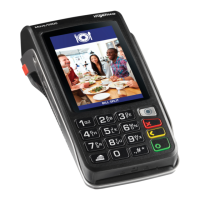
• At the READY screen
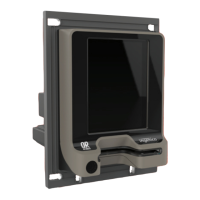
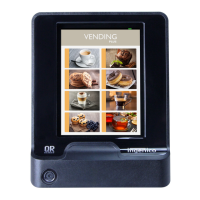
• Insert the chip card into the Chip reader
• Select the transaction type
- PURCHASE or Refund option
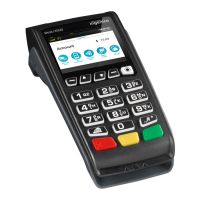
- Press Enter (Green ‘O’) key
PURCHASE
• Enter the PURCHASE amount / Rand value
• Press Enter (Green ‘O’) key
• Confirm the amount Entered
• Press Enter (Green ‘O’) key
• Cardholder to Enter their card PIN
• Press Enter (Green ‘O’) key
• The terminal will connect to the bank for authorisation and print two receipts,
one for the merchant and another for the cardholder
REFUND
• Enter the Refund PIN
• Press Enter (Green ‘O’) key
• Enter the Refund amount / Rand value
• Press Enter (Green ‘O’) key
• Confirm the amount Entered
• Press Enter (Green ‘O’) key
• Cardholder to Enter their card PIN
• Press Enter (Green ‘O’) key
• The terminal print two receipts, one for the merchant and another
for the cardholder
C. CHIP CARD TRANSACTIONS /
INSERT


 To Next Page
 Loading...