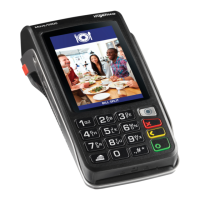
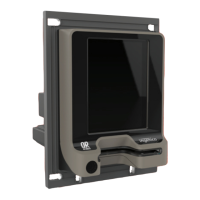
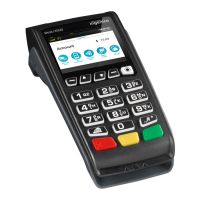
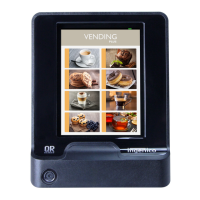
PURCHASE & CANCELLATIONS
• At the READY screen, swipe or insert the debit card
• Ask customer which account type to select: Cheque or Savings
• Press the relevant number to select account type required
• Select the Transaction Type: PURCHASE or Correction
PURCHASE
• Enter the PURCHASE amount/Rand value
• Press Enter (Green ‘O’) key
• Confirm the PURCHASE amount is correct
• Press Enter (Green ‘O’) key
• Debit cards and chip cards require a customer PIN code
• Pass terminal to cardholder and ask them to Enter their card PIN
- Mag-stripe cards: The terminal will go online for PIN authentication
and approval
- Chip cards: The terminal will authenticate the PIN offline
and go online for approval
• If the transaction is approved, the terminal will print two receipts, one for the
merchant and another for the cardholder
CANCELLATION
Transaction Cancellations can be done provided the transaction are cancelled is
in the same batch.
• Enter the Supervisor PIN
• Press Enter (Green ‘O’) key
• Confirm amount to be corrected
• Press Enter (Green ‘O’) key
9
D. CREDIT CARD TRANSACTIONS
/ SWIPE


 To Next Page
 Loading...