InHand ER605 User Manual
41
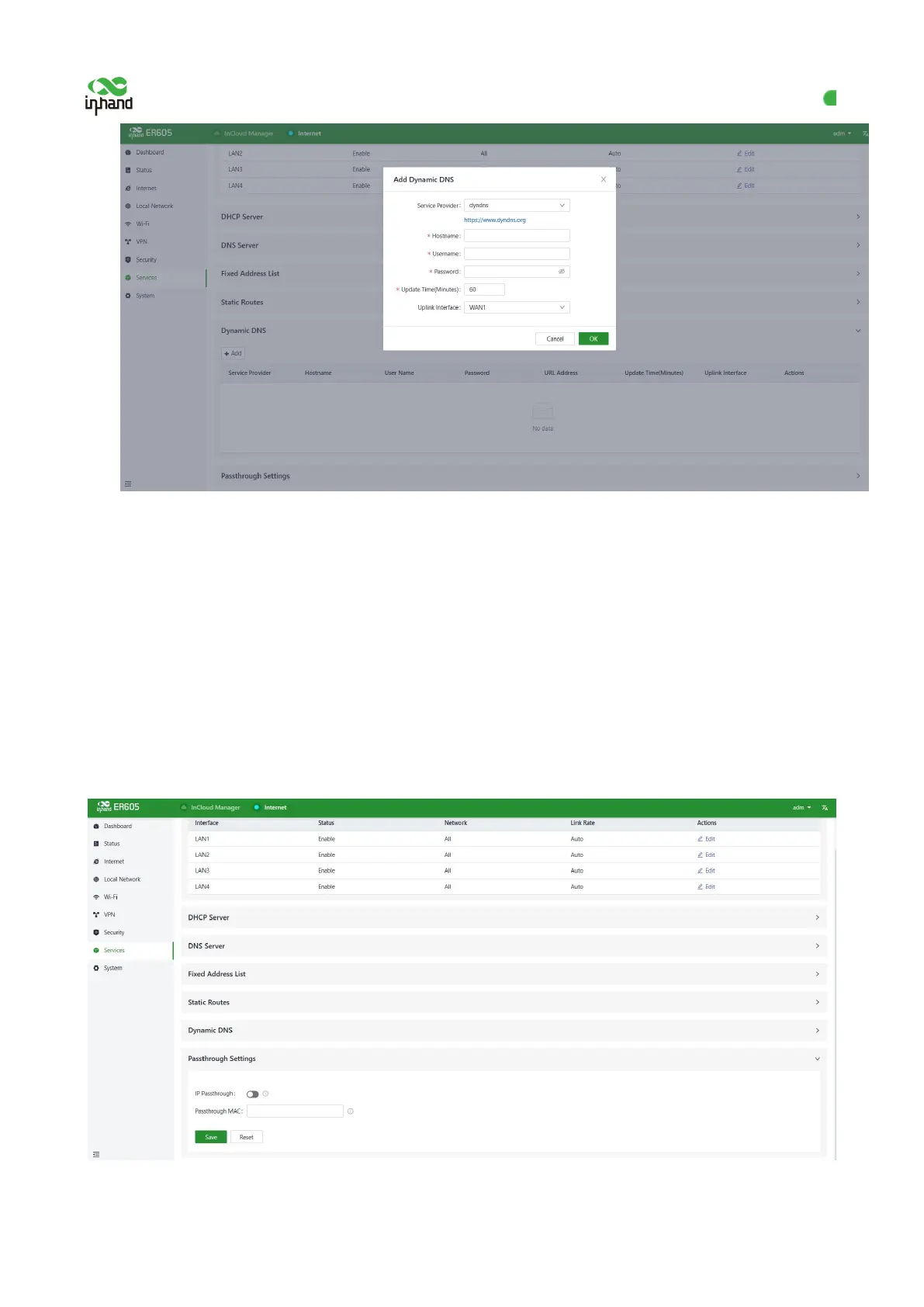
Figure 12-6 Adding a Dynamic DNS
Service Provider: It is provided by Dynamic DNS operators, You can choose dyndns, 3322, oray, no-ip,
or customize (URL required).
Hostname: Click the URL below Service Provider to register to get the hostname.
Username: Click the URL below Service Provider to register to get the username.
Password: The password set by the user at the time of registration.
12.7 Passthrough Settings
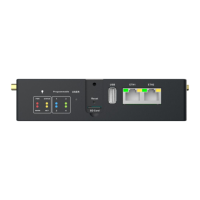
After the passthrough function is enabled,the uplink interface can be transmitted transparently to the client
device.
Figure 12-6 Enabling the Passthrough function


 To Next Page