APP Operation
Preparations
1) Complete the hardware installation.
2) Install 4 AAA batteries.
(After the first hardware installation, be sure to restore the factory
settings) Press and hold the reset button in the lower right corner of the
battery compartment for 5 seconds.
Note: Wave up the keyboard, please touch and hold the keyboard for 2
seconds.
1. Download and Install the INKBIRD App
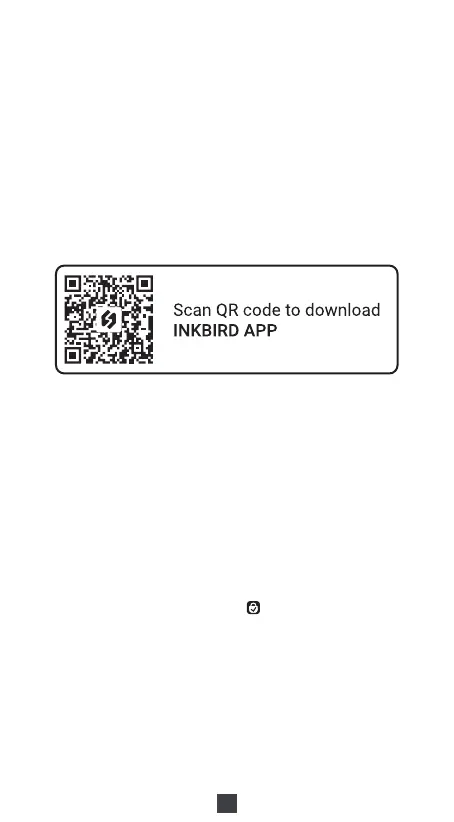
1) Search "INKBIRD" in App store or Google Play, or scan the following QR
code to download and install the APP, or update it to the latest version.
Note:
1. Your iOS devices must be running iOS 11 or above to download the app
smoothly.
2. Your Android devices must be running Android 7.1 or above to download
the app smoothly.
2) Registration
a. Open the app, select your Country/Region, enter your email address,
and a verification code will be sent to you.
b. Enter the verification code to confirm your identity, and the registration
is complete.
c. Registering an account is necessary before using the INKBIRD app for
the first time.
2.How to Connect to INKBIRD App
Step1: Turn on the Bluetooth and location on your smartphone.
Step2: Open the app and click the "+" in the upper right corner to add the device.
Step3: Wake the lock, press "1" and then " " to enter Bluetooth pairing.
(Operation timeout: 60 seconds)
07



 To Next Page