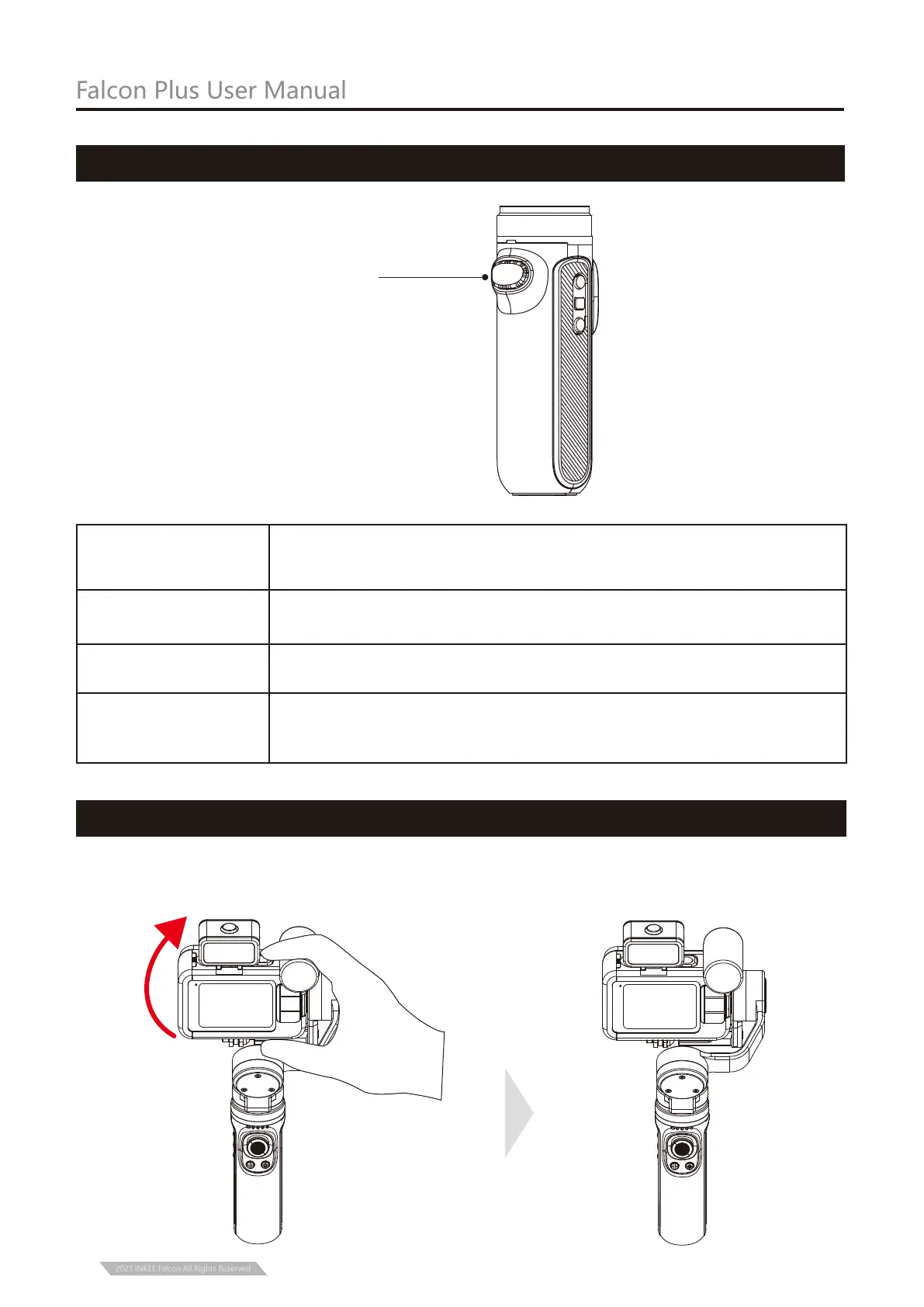
Trigger Button
Trigger Button
Operation
Description
Into GL mode (release will back to previous mode)
Angle reset (Tilt axis and Pan axis return to initial position)
Selfie mode (Pan axis rotate 180 relative to initial position, Tilt axis
reset at the same time )
Three-times press
Double press
Press and hold
Falcon Plus User Manual
Trigger Button Operation
10
2021 INKEE Falcon All Rights Reserved
Grasp the camera and pull it to the specified angle in the tilt direction, stay for half a second
and then lock the current angle.
Manual Lock


 To Next Page