15 Install Other Applications
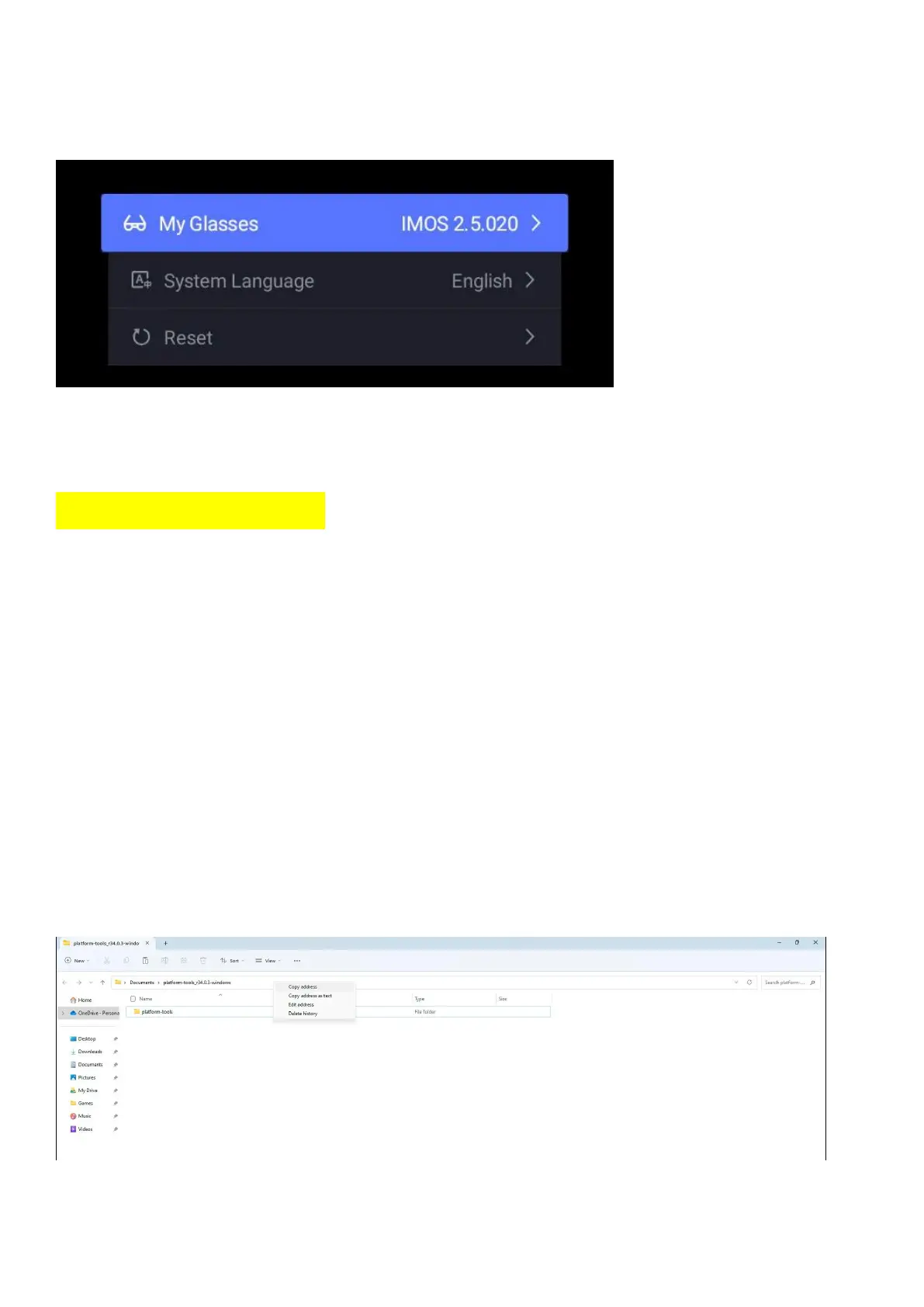
15.1 Enabling Developer Mode in AR glasses.
Navigate to Settings > About > My Glasses, Long press the right touchpad for 1.5 seconds on
the INMO Air2 twice to access developer mode activation.
Enter the password: 20210108
Developer mode will now be activated and communication via ADB enabled.
15.2 Windows Developer Environment Setup
Download the compressed zip folder below and unzip it to a destination of your choice.
Download: https://developer.android.com/tools/releases/platform-tools
Note: Deleting this folder will cause your ADB setup to stop functioning.
PATH setup
Copy the path of the unzipped platform-tools folder.


 To Next Page