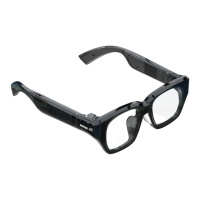
- Step1: Long press OK in the middle (6 seconds) until the blue light flashes.
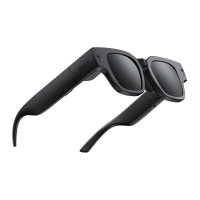
- Step2: Open the AR glasses, press the universal button of the glasses to the home page,
find the "Settings" - "Bluetooth", open the "INMO Air" Bluetooth switch, and wait for a few
seconds.
- Step3: The glasses interface will prompt "Match with the device INMO Ring 2 Bluetooth",
then slide the mirror leg to the left, select "Pair", and the connection is successful.
Tip: If the Bluetooth "INMO Ring 2" of the ring is not displayed, try step 2 again.
THREE: System Function
1. INMOLENS APP
The APP is an official auxiliary tool for the operation of the glasses. Please install it in time.
- iOS version can downloaded the APP directly in the appstore
- Android version download link: https://download.inmolens.com/inmo/apk
(INMOLENS APP QR code for Android System)


 To Next Page