English
6
OSD(On-Screen Display) Menu
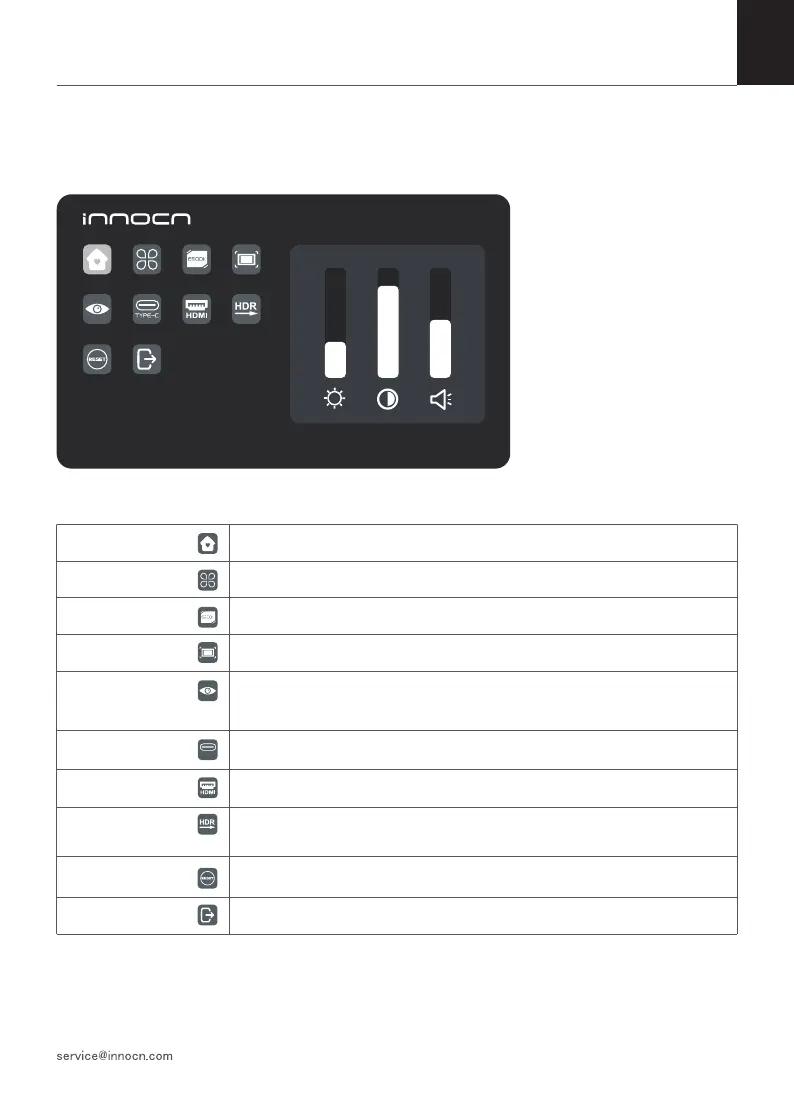
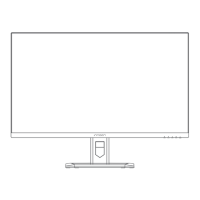
Press the menu key in the power-on state. The main menu (OSD) is displayed.
1920*1080@60Hz
30 80 50
TYPE-C
OSD(On-Screen Display) Menu
Home Adjust Brightness,Contrast,Volume
Profiles 6 Profiles are available
Color temperature Under USER mode, the R G B can be adjusted
Color Adjust the chrominance color saturation sharpness
Eye protection When it is selected, the background color of the eye protection icon turns blue.
Select the eye protection level.
TYPE-C When selected, signal source is Type-C
HDMI When selected, signal source is HDMI
HDR Render When it is selected, the background color of HDR render icon turns blue and
HDR render function is enabled.
Reset When selected, restore factory settings
EXIT When clicked, OSD menu disappears
Press the menu key in the power-on state. The main menu (OSD) is displayed.


 To Next Page