5
4
service@innocn.com service@innocn.com
Notes:
1. The monitor is touchable only when the input source is from USB Type-C; for HDMI input source,you
need a USB-A to USB Type-C cable(not included) to connect to use the touch function.
2. Please exchange with INNOCN original new accessories if damaged.
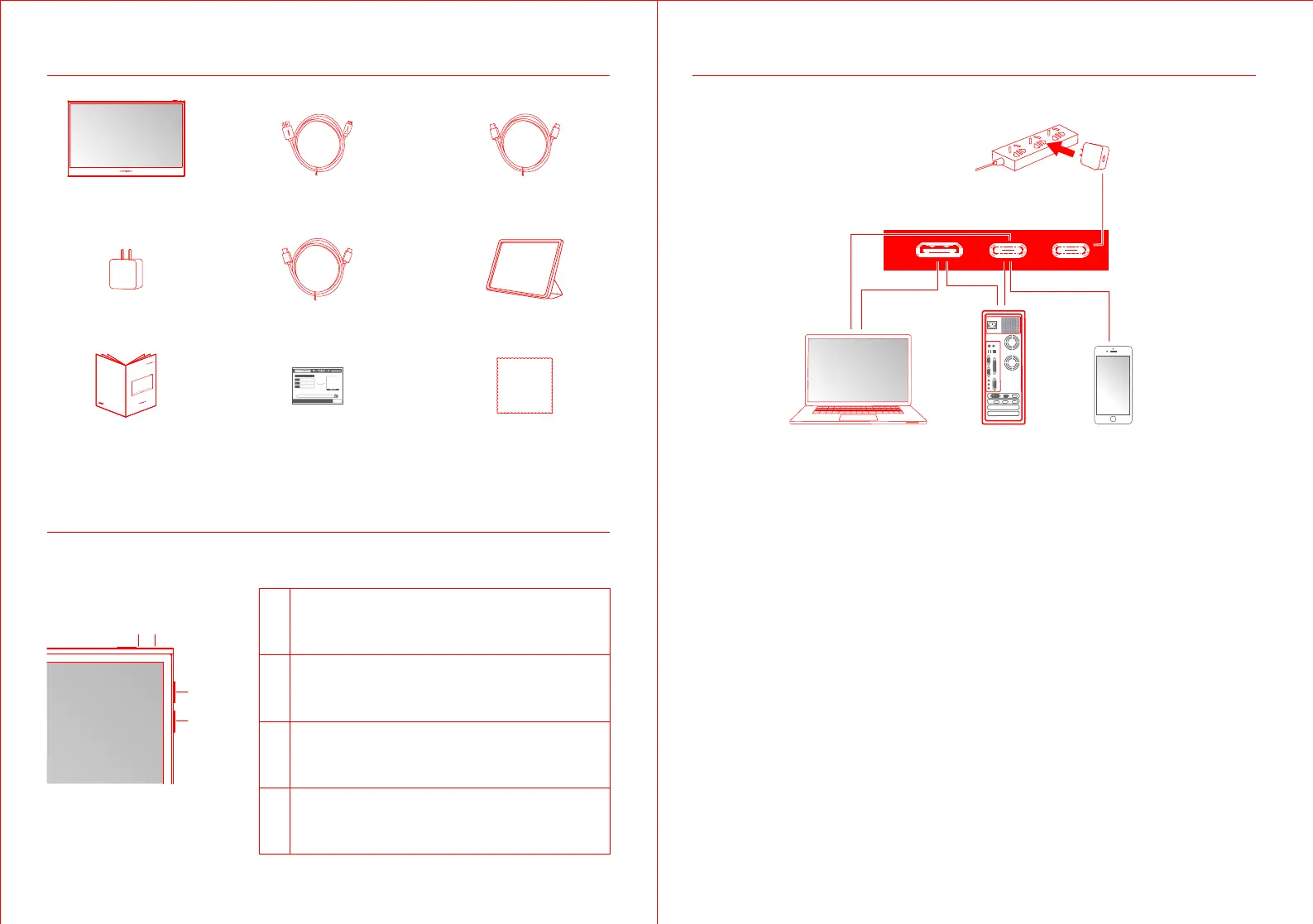
Type-CType-CHDMI
Product Instruction
Input Connector
Packaging List
Product Instruction
Key Instruction
Up key
Down key
Power Button LED Indicator
Type-C data cable x1
USB Type-C power cable x1Charger x1
Quick Start Guide
PU15-PRE
Quick User Guide
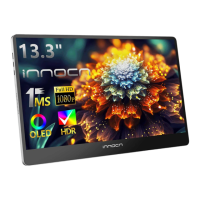
Portable Monitor
Protective sleeve x1
Lens Cloth x1
Mini HDMI cable x1
Monitor x1
Warranty Card x1
1
2
3
4
Power Button:
Long press the power button to turn the monitor on/off
Short press the power button to open the OSD menu
LED Indicator: Blue: On
Orange: Standby mode
Dark: Off
Up Key:
Long press the up-key to increase volume
Short press the up-key to show the volume on the left
Down Key:
Long press the down-key to decrease volume
Short press the down-key to display the volume on the left


 To Next Page