USER MANUAL
Warning
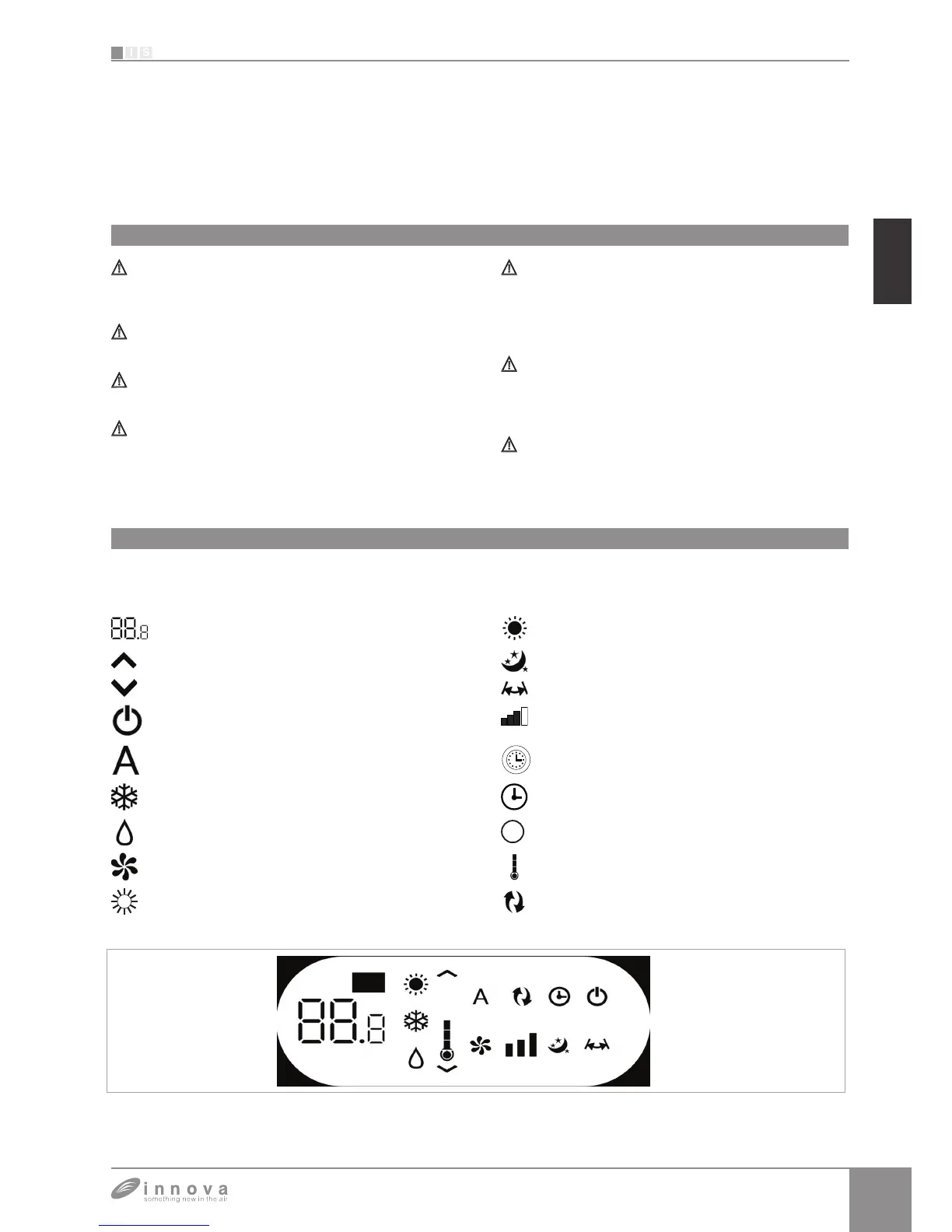
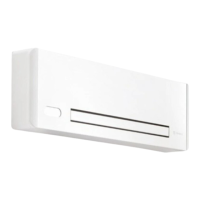
Management of the appliance with the touch-screen display
Objects or structural obstacles (furniture, curtains,
plants, leaves, blinds, etc.) must not obstruct the normal
air flow both from the internal and from the external grids.
Do not lean against, or worse sit on, the body of the
conditioner, this would damage the appliance.
Do not move the horizontal air outlet flap manually. Always
use the remote control to perform such operation.
In the event of water leaks, turn off the appliance and
disconnect the electric power supply. Call the nearest
service centre.
During heating mode, the conditioner eliminates
periodically any ice formed on the external battery. In
such situation, the machine keeps on working but it
does not dispense warm air to the room. This phase
can last 3 up to maximum 10 minutes.
The appliance must not be installed in rooms where
explosive gases develop or where there are humidity
and temperature conditions that exceed the maximum
levels reported on the installation manual.
Clean the air filter regularly as described in the specific
paragraph.
Normally, the display shows the operating status (see
Description of machine functioning paragraph) as well as
any alarms (see Display alarms paragraph).
In addition, it is possible to select the various functions by
pressing the symbols.
1 Remote control
2 Touch-screen display
BUTTON / DISPLAY:
Setpoint Heating only button (2)
Up button Nocturnal well-being button
Down button Control of air flow direction button
Switching on/off button Fan speed control button
Well-being button
(economic automatic mode)
Timer mode setting button (1)
Cooling only mode button Timer mode setting button (2)
Dehumidification only mode button Brightness sensor
Ventilation only mode button
Digital thermometer;
÷7 red bars in winter, blue bars in summer
Heating only button (1) Not used









 To Next Page