Operating Manual IP Telephone IP200 - 18 -- 18 -
Note 2:
Instead of menu key , it is also possible to press the keys and 3.
Connecting
calls
You can connect the active call with the call on hold by replacing
the handset, pressing the Loudspeaker key or the Space key .
If you have connected calls and there are no further calls in the wait list,
your telephone goes into idle state. If, on the other hand, there are further
calls in the wait list, the first call waiting will call you once you have
replaced the handset.
Your telephone rings and you can manually pick up or reject the
call.
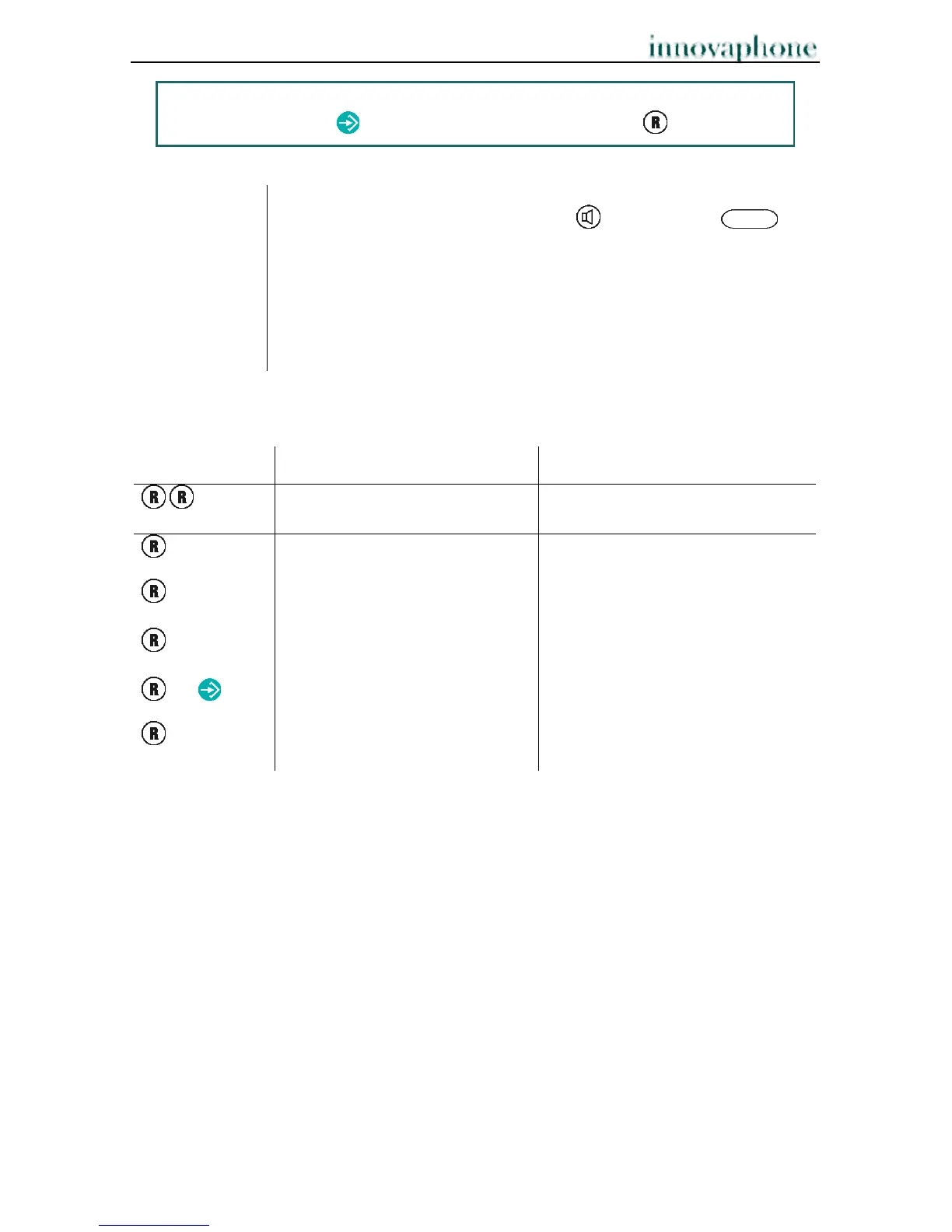
2.9.7 Overview of the short cuts
Shortcut key Description ( Mode 1) Description ( Mode 2)
Switch between the active
call and the call on hold
Dial a new number
0
Reject displayed call waiting Reject displayed call waiting
1
Terminate active call; call on
hold becomes active call
2
switch between active call and
call on hold
Accept waiting call
3 /
Conference mode
4
Connect active and waiting
call



 To Next Page