8
Copyright Innovative Technology Ltd 2014 GA717-3
BV50 Programming Mode
Press and Hold the Configuration Button for at least 2 seconds while the BV50 is powered up. The Bezel
LED will flash rapidly to indicate that the SSP interface is being loaded. Once this process has finished the
BV50 will reset. The BV50 will now be in Programming Mode (SSP) and allow connection to a PC via a DA1
or DA2 adapter or connection to a DA3.
Note: This mode can only be cancelled by re-programming with a Configuration Card or via the Validator
Manager program. Please ensure you are aware of all the BV50 programmed settings before entering this
mode. Failure to restore the original setting will stop the BV50 from operating in the host machine.
Configuration Card Programming Mode
Press the Configuration Button once while the BV50 is powered up. If done correctly the Bezel LED will
flash every 1-second. This will allow the insertion of a Configuration Card to change the Firmware Protocol
in the BV50. (See chapter 5.1 - BV50 Configuration Card for full details). This mode can be cancelled by
again pressing the Configuration Button once.
Current Setting Indicator Mode
Press the Configuration Button twice within half a second while the BV50 is powered up. The BV50 Bezel
LED will then perform a series of flashes to indicate the current settings within the bill acceptor. (See
Program Check Procedure section of Appendix D – Configuration Cards for details on decoding the flashes)
Encryption Key Reset Function (ccTalk)
Note: This function will only be possible if the BV50 is programmed to ccTalk mode. It is not possible to
reset the key from SSP mode.
Press and hold the Configuration Button while the BV50 powered is off. Apply the power and keep the
button pressed for several seconds. The ccTalk Encryption key will now be restored to the default setting..
4.2.4 HARDWARE OPTIONS
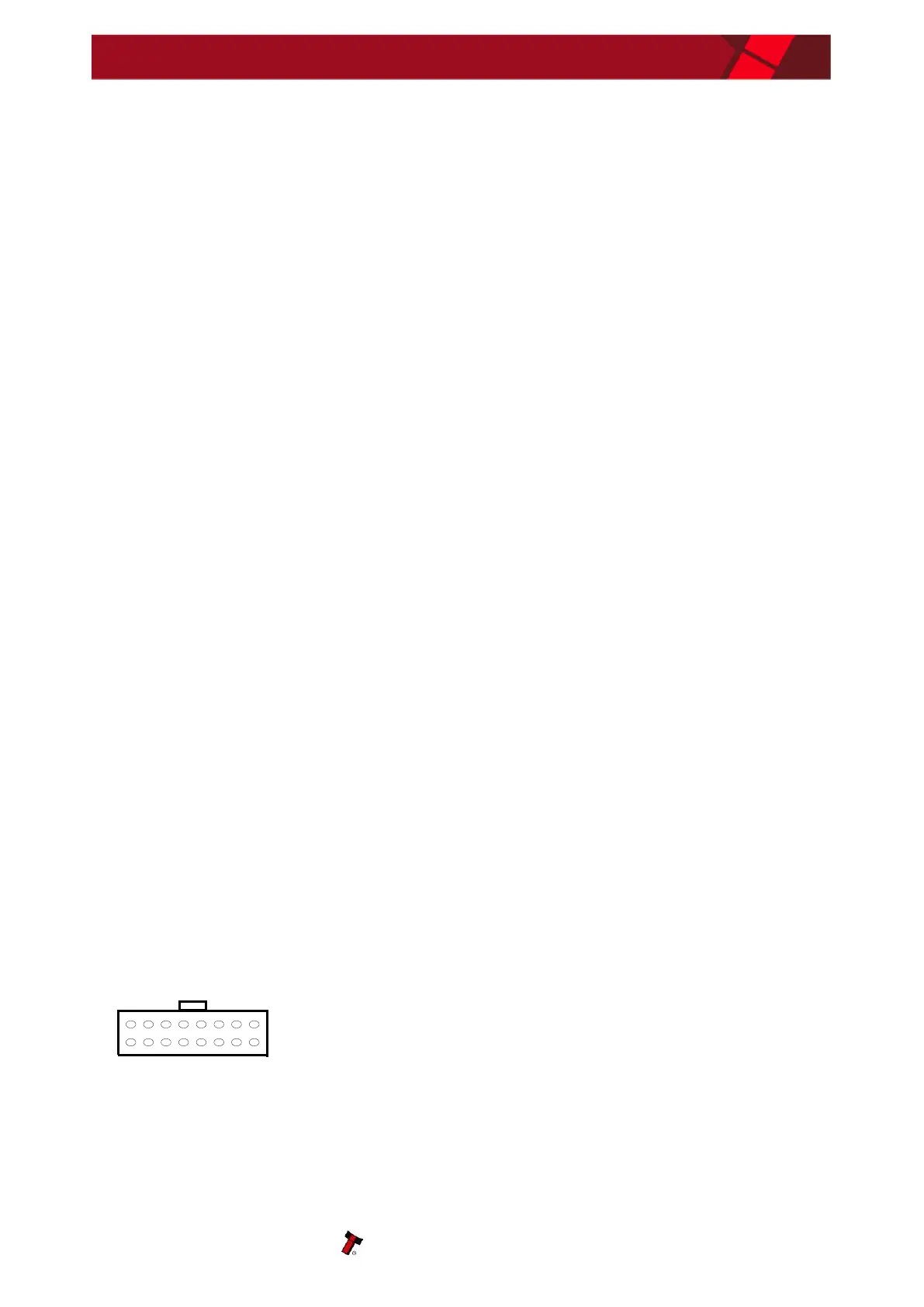
The BV50 can be used in machines with a 110V supply or an MDB machine with the addition of in-line
modules. The in-line modules connect between the BV50 16-pin connector and the host machine. It is
essential that the correct interface is programmed in the BV50 for the bill acceptor to operate correctly For
the 110V option, the SP4 firmware interface must be programmed if the bill acceptor is to be always
enabled. For the MDB option, the MDB Firmware option must be programmed. For more information on
selecting the interface, see chapter 5 - Reprogramming the BV50.
4.3 PROTOCOLS
4.3.1 SMILEY
®
SECURE PROTOCOL (SSP)
SSP is a secure serial interface specifically designed to address the problems experienced by cash
handling systems in gaming machines. Problems such as acceptor swapping, reprogramming acceptors
and line tapping are all addressed. This interface is recommended for all new designs. The interface uses a
master slave model, the host machine is the master and the peripherals (bill acceptor, coin acceptor or
coin hopper) are the slaves. Data transfer is over a multi-drop bus using clock asynchronous serial
transmission with simple open collector drivers. The integrity of data transfers is ensured through the use
of 16 bit CRC checksums on all packets.
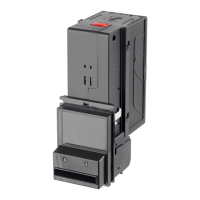
BV50 Connections


 To Next Page