EasyManua.ls Logo

Innovative Technology ITVS-750B - User Manual

Innovative Technology ITVS-750B
20 pages
Print Icon
To Next Page IconTo Next Page
Loading...
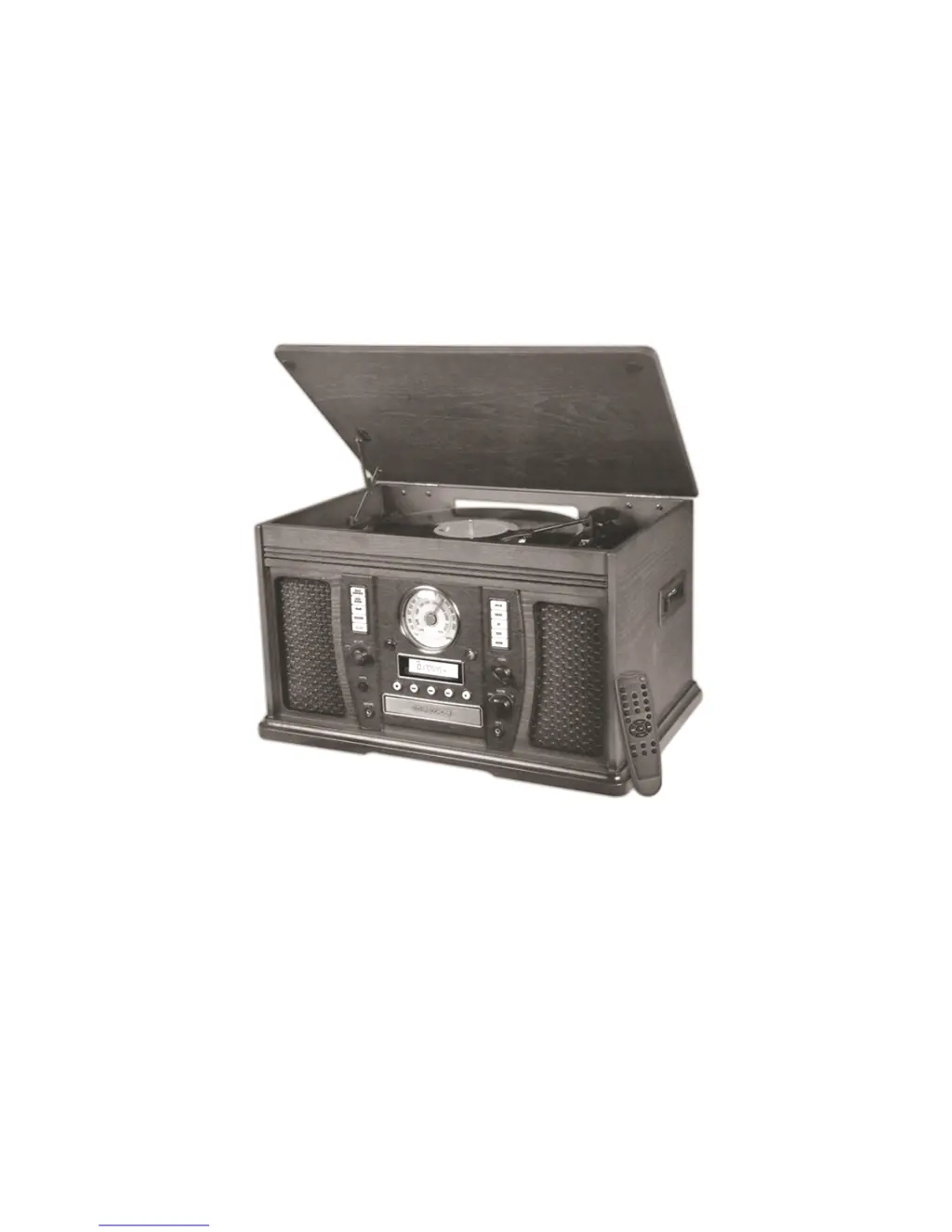
MODEL: ITVS-750B
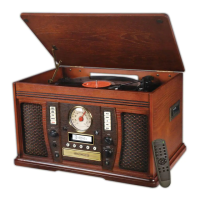
WOODEN MUSIC CENTER
WITH BLUETOOTH & RECORDABLE CD PLAYER
E-696D
User Manual

Other manuals for Innovative Technology ITVS-750B

Questions and Answers

  • K
    kevin16Sep 9, 2025
    How to open the CD tray on my Innovative Technology Stereo System?
    • C
      christinelozanoSep 9, 2025
      If the CD tray on your Innovative Technology Stereo System will not open, check to see if AM/FM mode is selected. If it is, select AUX, PHONO, CD, or TAPE mode.
  • J
    Jerry SantanaSep 12, 2025
    What to do if buttons on my Innovative Technology Stereo System don't work?
    • R
      Rachel SilvaSep 12, 2025
      If the buttons on your Innovative Technology Stereo System are not functioning correctly, it could be that the unit is processing information (displaying “--- Busy”). Wait until the unit finishes processing. If that doesn’t work, try turning the unit off, and then on again.
  • S
    Sandra MeyerSep 13, 2025
    How to improve turntable audio on Innovative Technology Stereo System?
    • D
      Dawn MendozaSep 13, 2025
      To address a decline in turntable audio performance on your Innovative Technology Stereo System, replace the stylus.
  • D
    Dr. Monica OlsonSep 15, 2025
    Why is there no sound from AUX on my Innovative Technology Stereo System?
    • J
      Jose Jones DVMSep 15, 2025
      If you experience no sound output when an external audio device is plugged into the rear AUX in jack on your Innovative Technology Stereo System, ensure that only one AUX in jack (front or rear) is plugged in. Unplug the front AUX in jack.
  • C
    Carlos HarrisSep 17, 2025
    Why can't I connect my Innovative Technology Stereo System to Bluetooth?
    • C
      Courtney WilsonSep 18, 2025
      If you are unable to pair your Innovative Technology Stereo System with a Bluetooth device, first confirm that your device is Bluetooth compatible. If it is, try re-pairing the unit and device again.

Summary

Important Safety Instructions

Installation and Electrical Safety

Addresses ventilation, heat sources, plug safety, and power cord protection.

Setup and Basic Operation

Initial Unit Setup

Instructions for removing protective covers, connecting power, and avoiding cable interference.

Recording Preparation

Selecting Recording Sources

How to choose PHONO, TAPE, or AUX sources for recording onto a CD.

Track Selection Modes

Explanation of Auto Track Increment and Manual Track Selection modes for recording.

Recording and CD Finalization

Recording Procedures

Detailed steps for entering recording modes, adjusting volume, and managing recording.

Finalizing Recorded CDs

Steps to finalize a recorded CD-R/CD-RW so it can be played on other devices.

CD Finalization and Erasure

Finalizing and Unfinalizing CDs

Process to finalize a disc, including unfinalizing CD-RWs for further recording.

Erasing CD-RW Content

Instructions for erasing the last track or all tracks from a CD-RW disc.

Product Specifications

Troubleshooting Common Issues

General and Tape Playback Issues

Solutions for no power, no sound, and tape playback problems.

Radio and CD Player Problems

Troubleshooting steps for distorted sound, weak radio signals, and CD playback errors.

Phono and AUX Connectivity

Solutions for turntable audio performance and no sound from AUX connections.

Troubleshooting and Compliance

Bluetooth Troubleshooting

Resolving issues with no sound, unclear audio, or pairing problems with Bluetooth devices.

Innovative Technology ITVS-750B Specifications

General IconGeneral
TypeStereo System
BluetoothYes
CD PlayerYes
FM RadioYes
USB PortYes
AUX InputYes
ConnectivityBluetooth, USB, AUX
Turntable Speeds45 RPM
FeaturesRemote Control

Related product manuals