EasyManua.ls Logo

Innovative Technology SMART Hopper - 5 Machine Interfaces; Status Leds; Table 7 - LED Status Codes

Innovative Technology SMART Hopper
23 pages
Print Icon
To Next Page IconTo Next Page
To Previous Page IconTo Previous Page
Loading...
Copyright Innovative Technology Ltd 2009 GA401-2
SMART HOPPER OPERATIONS MANUAL
11
5 MACHINE INTERFACES
5.1 STATUS LEDS
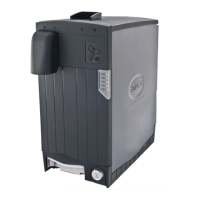
The SMART Hopper has 2 status LED’s located on the front panel, one Green, one Red. The
green status LED indicates system health, while the red status LED is used to indicate
system problems; these are described below in Table 7 - LED Status Codes. The red LED will
flash a number of times according to the status, pause and then flash the code again.

LED Colour
Status
Description
Green
Flashing (1Hz)
Heartbeat - System normal
Red
1 flash
Hopper disabled
2 flashes
Calibration Fault
3 flashes
No Encryption Key set
4 flashes
Coin Jam
5 flashes
Fraud Attempt Detected
6 flashes
Hopper Empty
7 flashes
Memory Checksum Error
8 flashes
Hopper sensors are not Initialised
9 flashes
Lid Removed
Table 7 - LED Status Codes