19
DC Input Cable Fuse Replacement
The Cigarette Lighter DC power plug contains a fuse. If the DC input cable is being used with
a known good power source and the unit is not receiving power, the fuse may need to be
replaced.
To replace the fuse, follow these instructions and refer to the photograph below.
• Remove the tip by unscrewing the retainer. Use a tool if necessary.
• Remove the retainer, tip and fuse.
• The spring should remain inside the Cigarette Lighter Adapter housing. If the spring is
removed, make sure to replace the spring rst before inserting the replacement fuse.
• Install a replacement fuse, Inogen RP#125 (BUSS MDA -12) and reassemble the tip.
Ensure the retainer ring is properly seated and tightened.
Standard and Optional Accessories
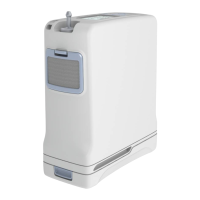
Inogen One® G5 single battery BA-500
Inogen One® G5 double battery BA-516
Carry Bag CA-500
Backpack CA-550
External Battery Charger BA-503
AC Power Supply BA-501
DC Power Cable BA-306
Maintenance Items
Replacement intake particle lters RP-500
Output Filter Replacement Kit RP-404
Inogen One® G5 columns RP-502
Note: Additional options may be available for country-specic power cords. To order contact
Inogen or your equipment provider.
For assistance, if needed, in setting up, using, maintaining, or to report unexpected operation or
events, contact your equipment provider or manufacturer.
Inogen One® G5 Column Change Procedure
1. Turn o the Inogen One® G5 concentrator by pressing the power button to shut
down the device.
2. Remove the Inogen One® G5 concentrator from the carry case.
3. Remove the battery from the Inogen One® G5 concentrator.
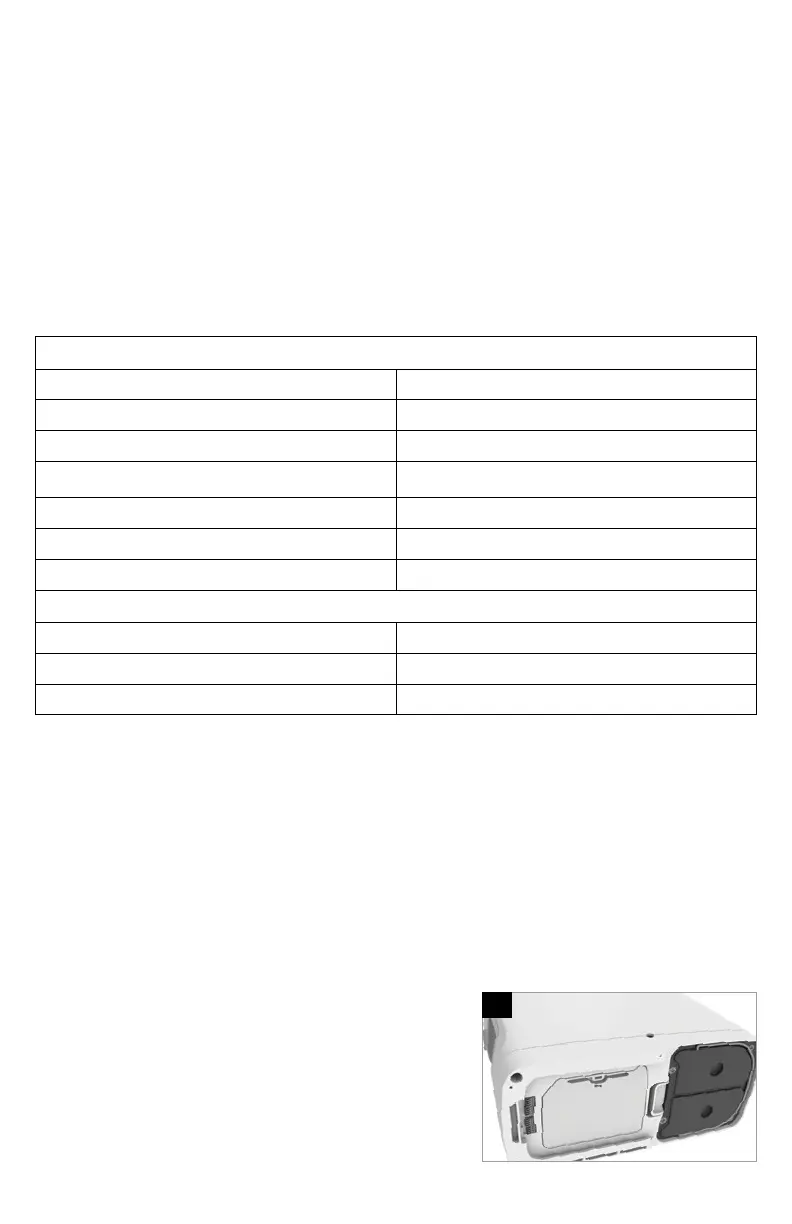
4. Place the Inogen One® G5 concentrator on
its side so that the underside is visible.
The metal column assembly can be seen
on one side of the device.
4



 To Next Page