Version 1.4 Page 7
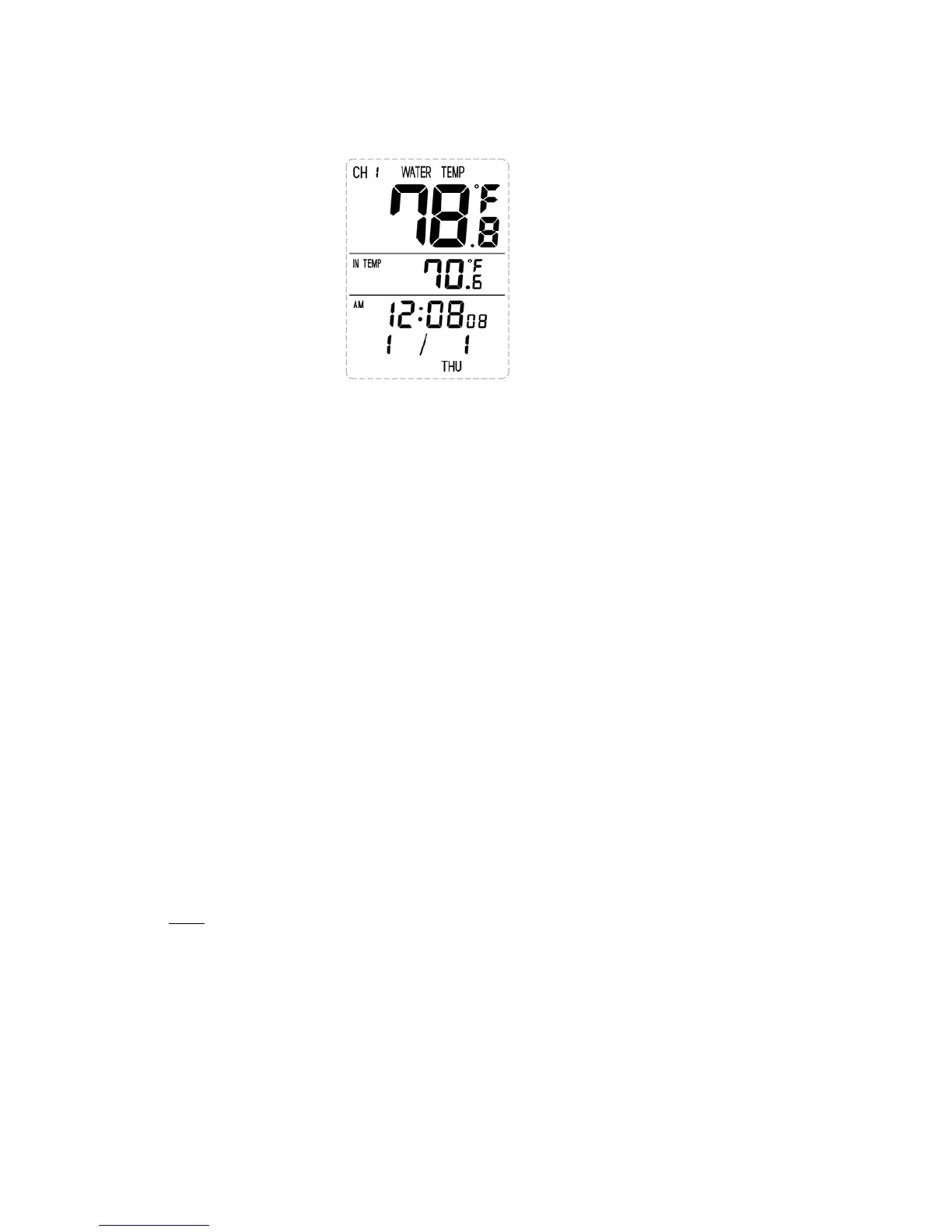
Figure9
2.5 SensorOperationVerification
Verify the indoor and remote (water) temperature matches closely while in the same location.The
sensors should be within 4°F (the accuracy is ± 2°F).Allow about 30 minutes for both sensors to
stabilize.
3. REMOTESENSORINSTALLATION
Place the remote sensor into the water (pool, spa, etc). The temperature will tak e a few hours to
stabilize.Thereisbracketonthethermometertooptionallytetherthefloat.
4. CONSOLEOPERATION
4.1 Buttons
Thedisplayconsoleincludesthefollowingbuttons(andlocation)
1. MODE:onthebackofthedisplay
2. C/F:onthebackofthedisplay
3. MAX/MIN:onthebackofthedisplay
4. SET:onthebackofthedisplay
5. CHANNEL:onthetopofthe
display
6. CLEAR:onthetopofthedisplay
4.2 Set(Program)Mode
PresstheMODEbuttontoswitchbetweenTIME‐>ALARM‐>DA TE
Thefollowingsectiondefineshowtosetthetime,alarmanddate.
Notes:
‐ After 60 seconds of inactivity, the display will automatically revert to the normal display mode
(automatictimeout).
‐PressandholdtheC/Fbutton fortwosecondstoadvancerapidly.
4.2.1 SetTime
1. While in the TIME mode, press theSET button, and the hour will begin flashing. Press the
C/Fbuttontoadvancethehour.MakespecialnoteoftheAM/PMicon.


 To Next Page