EasyManua.ls Logo

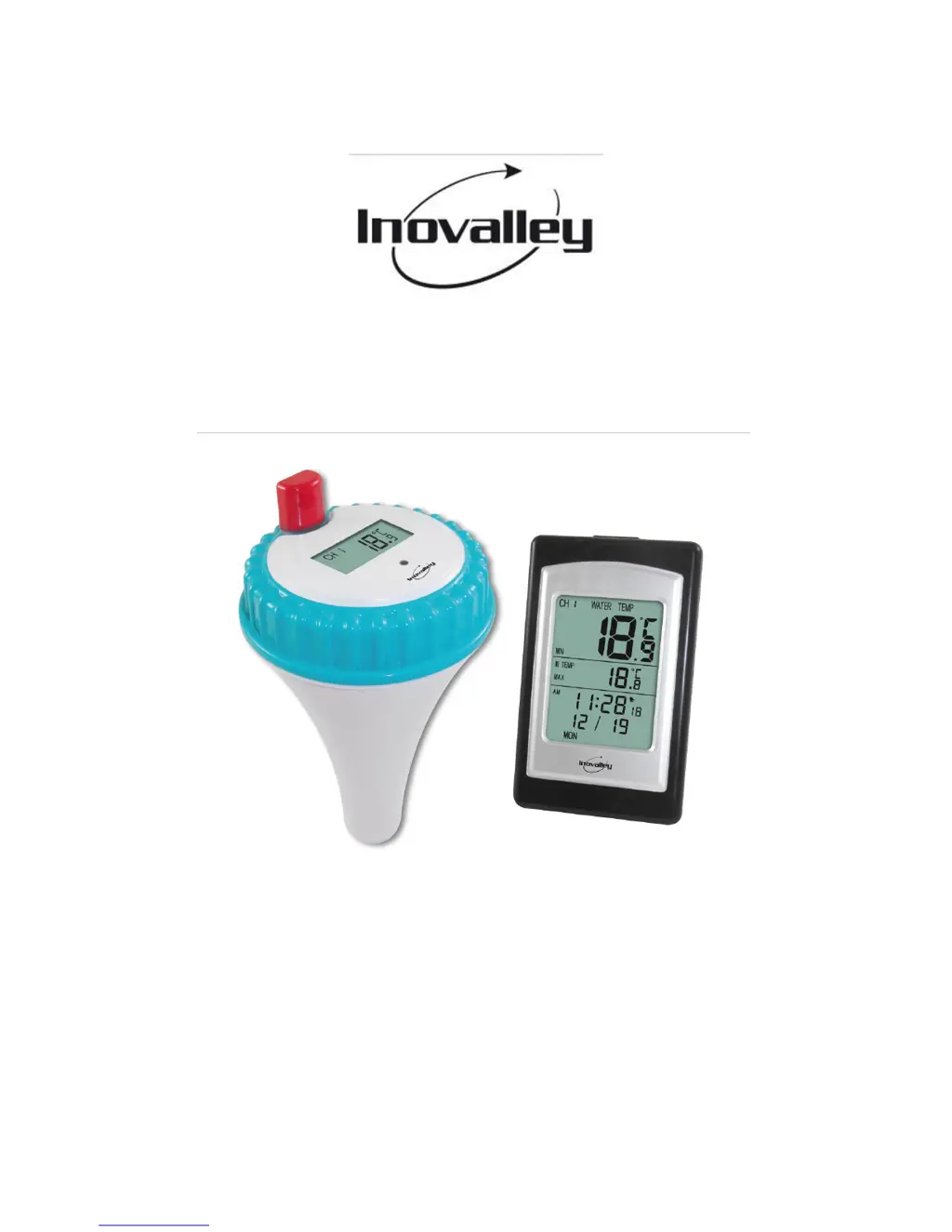
Inovalley WIRELESS POOL THERMOMETER - User Manual

Inovalley WIRELESS POOL THERMOMETER
12 pages
Print Icon
To Next Page IconTo Next Page
Loading...
Version 1.4 Page 1
WIRELESSPOOLTHERMOMETER
Ref.SP03
‐Usersmanual‐

Questions and Answers

  • G
    gonzalesshannonJul 30, 2025
    What to do if Inovalley WIRELESS POOL Thermometer wireless remote is not reporting to the station?
    • B
      blakelesterJul 30, 2025
      If your Inovalley Thermometer's wireless remote isn't reporting to the station, here are some steps you can take: * Ensure the display console is within 100m (line of sight) of the remote sensor. * Try cycling the station's power by removing and re-inserting the batteries. * Install fresh batteries in the remote thermo-hygrometer, using lithium batteries in cold environments. * Make sure the remote sensors aren't transmitting through solid metal or earth barriers. * Move the station away from electrical noise emitting devices like computers and TVs. * Remember that Radio Frequency (RF) Sensors cannot transmit through metal barriers or multiple, thick walls.

Summary

2. GETTING STARTED

2.2 Remote Pool Thermometer Sensor Set Up

Instructions for setting up the remote transmitter unit.

2.3 Display Console Set Up

Steps to set up the main display unit.

3. REMOTE SENSOR INSTALLATION

4. CONSOLE OPERATION

4.2 Set (Program) Mode

How to access and use the programming mode for settings.

4.2.1 Set Time

Step-by-step instructions for setting the current time.

4.2.2 Set Alarm Time

Procedures for setting the desired alarm time.

4.2.3 Set Date

Instructions on how to set the current date.

6. SPECIFICATIONS

7. TROUBLESHOOTING GUIDE

9. DETAILS AND PRECAUTIONS ON THE USE OF BATTERIES

Inovalley WIRELESS POOL THERMOMETER Specifications

General IconGeneral
TypeWireless Pool Thermometer
Accuracy±1°C
DisplayLCD
Battery Life12 months
WaterproofYes