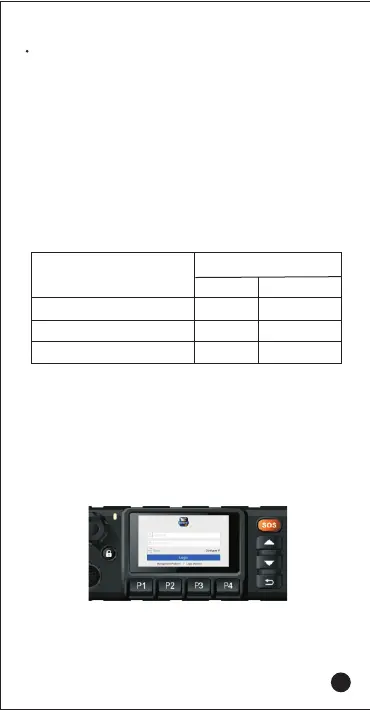
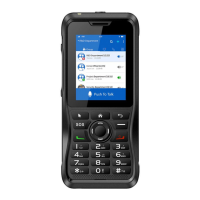
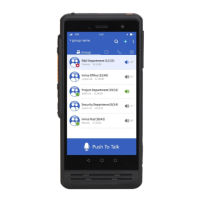
Operation Interface
1. Input Account and Password
The user configure IP address according to the platform
server and then login.
The indicators could be customized according to the APP.
The following is the default indicator status of Inrico APP.
Status Indicators
Working Status
LED Indicator
Lasting Time
Solid Red
Solid Red
Solid Green
Color
Transmitting
Receiving
SOS Starts
Red
Red
Green
Cable Connection
When connecting the cable, you need to turn off the "Cable/
USB Camera" switch in the system settings, and you can only
choose one of the two at the same time for the USB camera,
microphone, and cable function.
08



 To Next Page