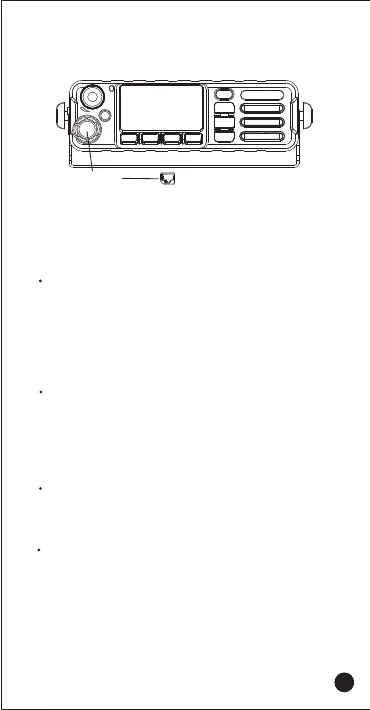
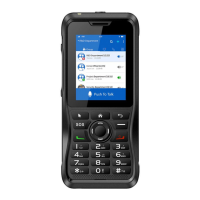
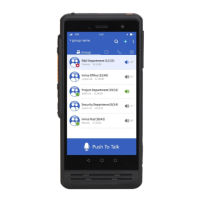
Power on/off
Make sure the power is plugged in
1、Power on automatically
2、Without power off, manually shut down the case, and
long press the on/off button for 3 seconds to turn on the
machine.
Message
Click to enter the information interface, which will display a
list of received information. You can proceed with the
edit, send, delete information, and other operations.
Settings
Set and view related system functions and status.
Palm-MIC
5.Attaching the Palm
Basic Functions
Reset
Select "Backup and reset" in the settings menu, and then
select factory data reset.
WARNING: A factory reset will reset the device to its original
factory state, wiping system and app data and settings,
including downloaded apps.
07



 To Next Page