Product Operation
4. Cleaning mode
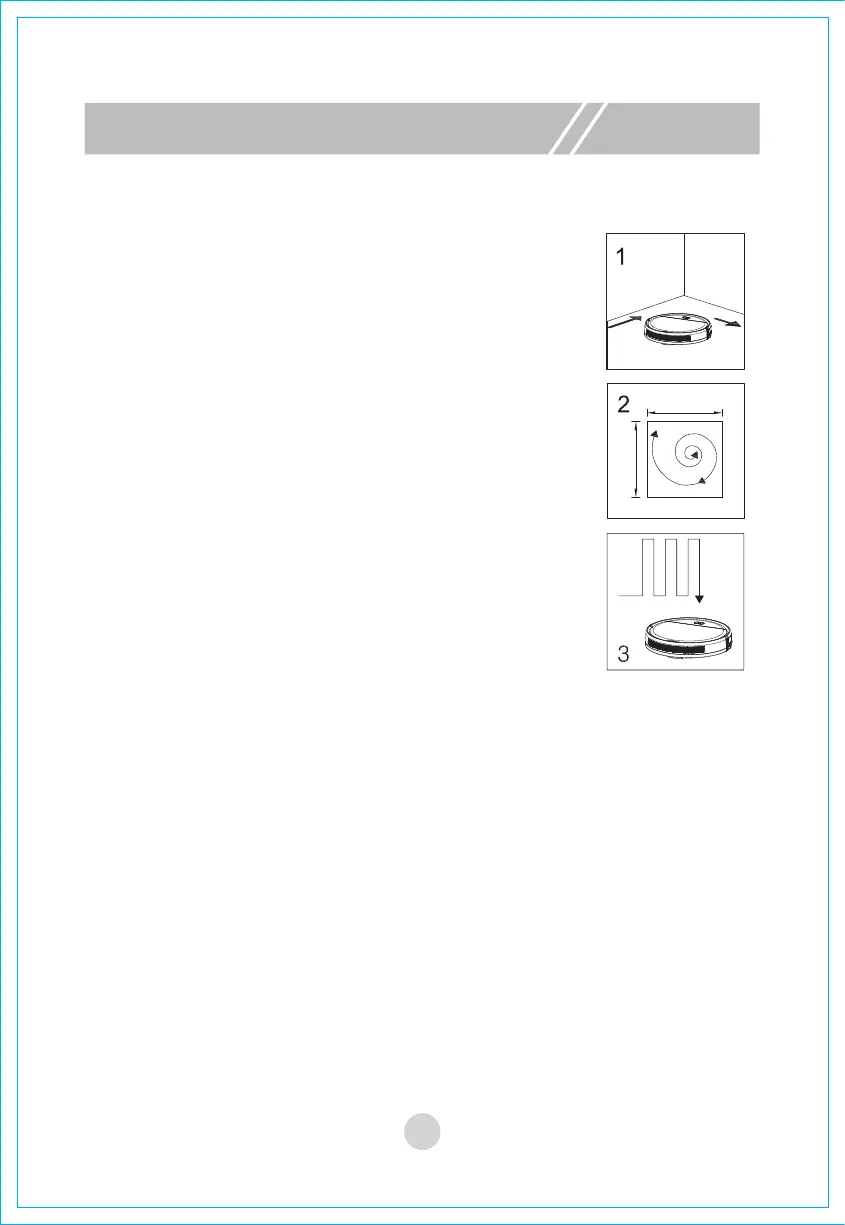
1>. Edge cleaning
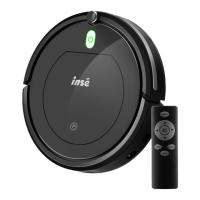
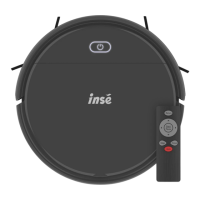
In standby mode or working mode, press the "Edge"
button on the remote control, and the machine will
start cleaning along the largest edge of the room.
2>. Focus cleaning
Place the machine next to the dusty area, press the
"Focus" of the remote control, and the machine will
start to focus on cleaning.
3>. Auto cleaning
In working mode, press the "Auto" button on the
remote control, and the machine will start auto
cleaning.
! Notes:
A. After selecting a certain cleaning mode, the machine will automatically
switch to other cleaning modes according to actual environment to
achieve the best cleaning effect.
B. When the machine is in any cleaning mode, operator can press the
"Start/Pause" button on the remote control or the "Start/Pause" button on
the machine to stop the cleaning.
11


 To Next Page