6
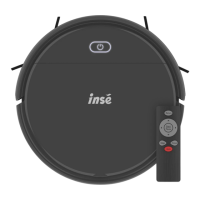
Product Components
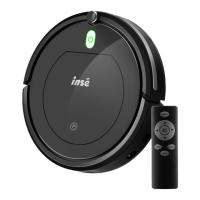
Remote control
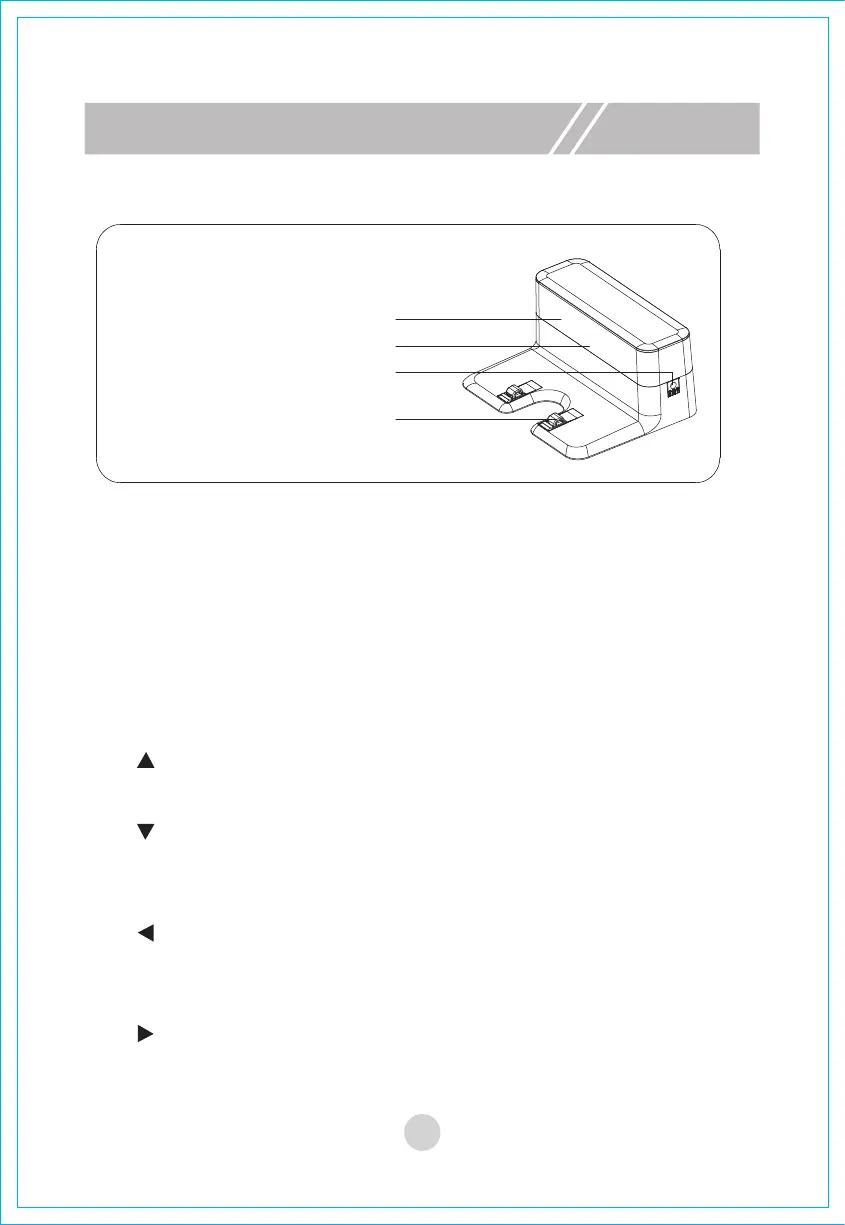
Charging stand
Signal communication window
Indicator
Power adapter port
Recharging electrode slice
1"Start/Pause" button
A.
In standby mode, press this button to start automatic cleaning.
B.
In sleep mode, press this key to enter standby mode from sleep mode.
C.
In working mode, press this button to stop cleaning.
2. Arrow keys
A. " " forward
Press this key in standby mode or working mode to move the machine forward.
D. " " to the right
Press this key in standby mode or working mode to turn the machine to the right.
C. " " left
Press this button in standby mode or working mode to turn the machine to the
left
B. " " backward
In standby mode or working mode, the machine rotates 180° and then moves
forward.
Key description


 To Next Page