To Next Page

C
Charles RichmondAug 6, 2025
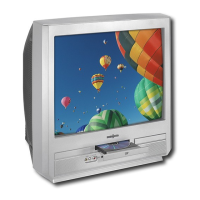
Why does my Insignia IS-TVDVD20A TV DVD Combo picture have spots?
- MMatthew EricksonAug 6, 2025
Spots on your Insignia TV DVD Combo's picture can appear if the device was recently moved, if appliances like vacuum cleaners are operating nearby, or if magnets are placed too close to it. To resolve this, power off your TV/DVD combo using the power button on the device itself, not the remote. Leave it off for at least 15 minutes. If the spots persist, turn it off and leave it off overnight.
 General