9
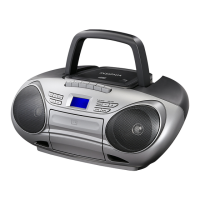
Insignia NS-BBTCD01 CD Boombox with Bluetooth
www.insigniaproducts.com
Package contents
• CD Boombox with Bluetooth
• AC power adapter
•Quick Setup Guide
•User Guide
Setting up your boombox
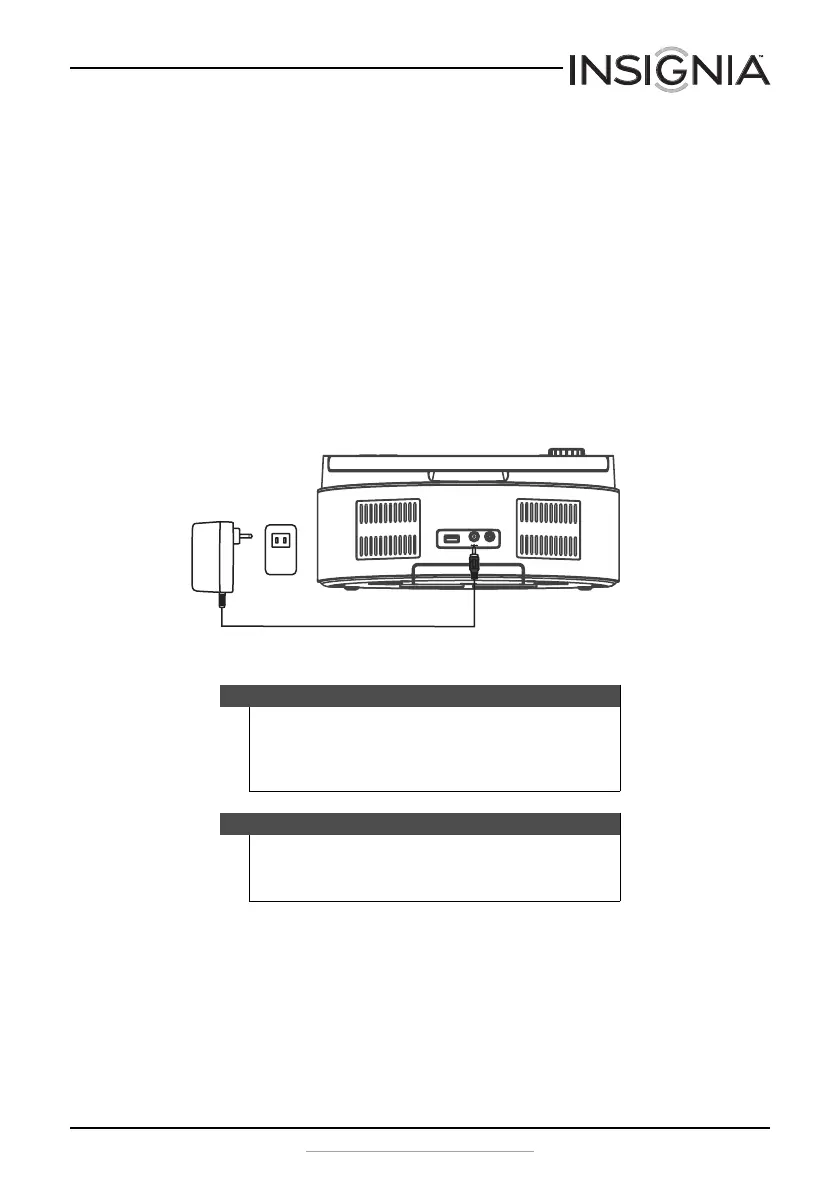
Connecting the AC power adapter
To connect the AC power adapter:
1 Insert the small connector on the end of the AC power adapter into
the DC IN jack on the back of your boombox.
2 Plug the other end of the AC power adapter into a power outlet.
Cautions
• To protect your boombox during thunderstorms, unplug the
AC power adapter from the AC power outlet.
• Only use the supplied AC power adapter. Using a different
adapter could damage your boombox.
Notes
• The batteries are automatically bypassed when the AC
power adapter is used.
• Unplug the AC power adapter when not in use.
AUX IN
DC IN 9V
USB



 To Next Page