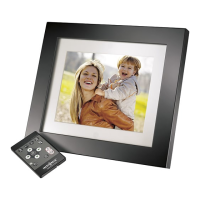
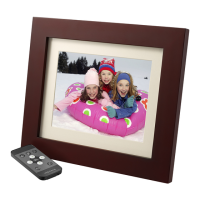
NS-DKEYBK10/ NS-DKEYRD10
27
www.insigniaproducts.com
Configuración de las
opciones de visualización
Puede cambiar la duración de cada foto en la pantalla,
el brillo, cómo se muestra el reloj, y otras opciones.
Para ajustar las opciones de
visualización:
1
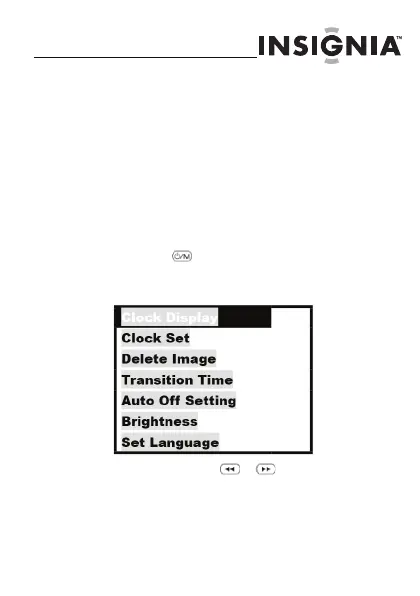
Presione para acceder al menú de
opciones (options). Las opciones
disponibles se muestran:
2
Use los botones y para seleccionar
la opción anterior o siguiente.
NS-DKEYBK10 SP.fm Page 27 Wednesday, July 1, 2009 10:46 AM


 To Next Page
 Loading...