14
NS-DPF7G/NS-DPF9G
www.insigniaproducts.com
To manually play a slideshow from an
inserted memory card, a USB device, or from
internal memory:
1
Insert a memory card or USB drive into one of the
available memory slots or the USB port. A slideshow of
pictures from the memory card or USB device
automatically starts to play.
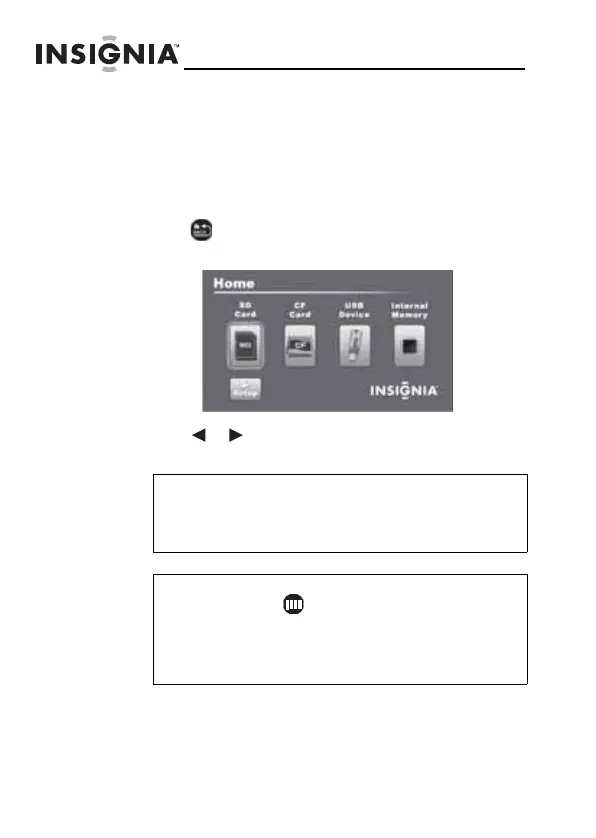
2 Press (BACK) repeatedly until the Home menu
opens.
3 Press or to select a memory device or an existing
memory card.
Note
The option to select a media type or USB device is
disabled if there is no media of that type in the
corresponding slot or port.
Tip
You can press (thumbnail/file list) to switch
between thumbnail mode and file list mode.
Thumbnail mode displays all files in the selected
memory device, and file list mode displays files
and folders.
NS-DPF7G-DPF9G_10-0658_MAN_ENG_V5.fm Page 14 Tuesday, June 15, 2010 10:09 AM


 To Next Page
 Loading...