21
www.insigniaproducts.com
2
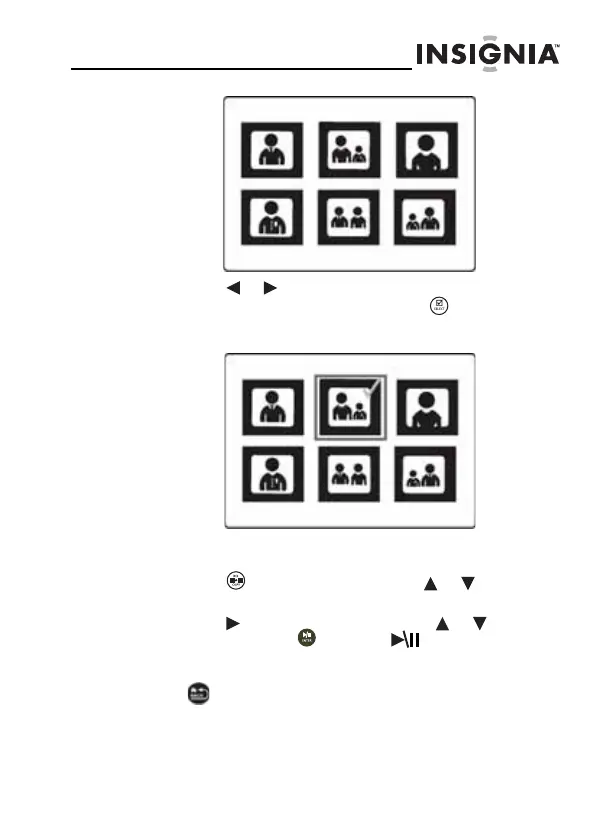
Press or to highlight the picture you want to
include in the slideshow, then press (SELECT). A
check mark appears at the upper-right corner of the
thumbnail.
3 Repeat until all pictures you want to add to the
slideshow are selected.
4 Press (DEL/COPY), then press or to select
Play Selected.
5 Press to open the submenu, press or to select
Yes, then press (ENTER/ ). A slideshow of the
selected pictures is played.
6 To end the slideshow and clear the selected items, press
(BACK). This returns you to the Thumbnail screen.
From there, you may select a photo to view or begin
another slideshow using standard procedures.
NS-DPF7G-DPF9G_10-0658_MAN_ENG_V5.fm Page 21 Tuesday, June 15, 2010 10:09 AM


 To Next Page
 Loading...