NS-DPF8WW-09
23
www.insignia-products.com
To play pictures and music together -
manual playback (selecting a specific file
or folder):
1
Insert a memory card or USB device into the
appropriate slot on the frame.
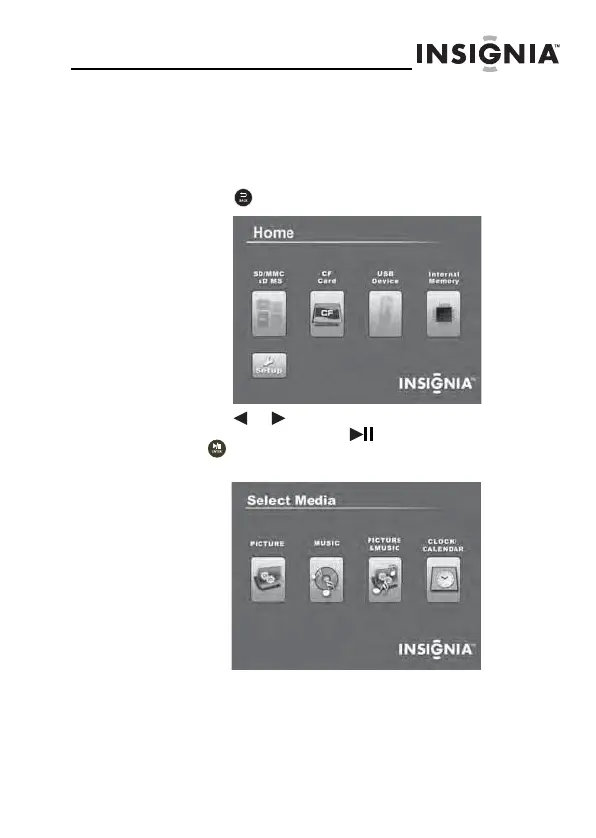
2 Press (BACK) until the
Home
screen opens.
3 Press or to highlight the memory card you want
to access, then press (ENTER/PLAY/PAUSE)
or to enter the Main menu. The
Select Media
menu opens.
Home
08-1410 NS-DPF8WW-09 - ENG.fm Page 23 Monday, July 7, 2008 4:24 PM


 To Next Page
 Loading...