EasyManua.ls Logo

Insignia NS-UZ21XWH7 - User Manual

Insignia NS-UZ21XWH7
24 pages
Print Icon
To Next Page IconTo Next Page
Loading...
Before using your new product, please read these instructions to prevent any damage.
USER GUIDE
WiFi Connected 17 or 21
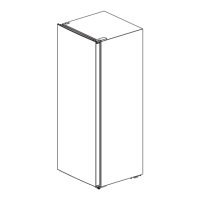
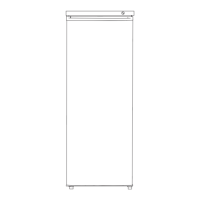
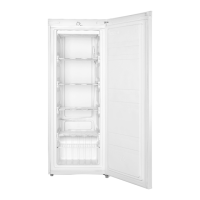
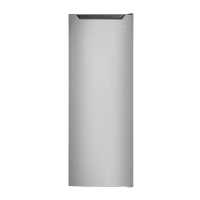
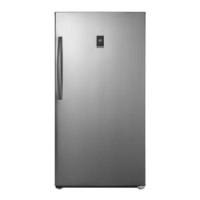
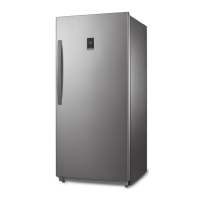
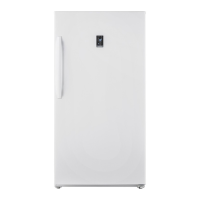
Cu.Ft. Upright Freezer
NS-UZ17XWH7/NS-UZ21XWH7
NS-UZ17XWH7_NS-UZ21XWH7_16-1107_MAN_V2_ENG.fm Page 1 Friday, December 30, 2016 7:55 AM

Questions and Answers

  • J
    Jaime RileyAug 9, 2025
    Why is my Insignia Freezer not working?
    • M
      Manuel BrownAug 9, 2025
      If your Insignia Freezer isn't operating, first ensure it's properly plugged into the outlet. Then, check your house's fuse or circuit breaker box, replacing the fuse or resetting the breaker if necessary. Finally, if there was a power outage, the freezer will turn off and you should wait until power is restored.
  • G
    Gary RodriguezAug 14, 2025
    What does E2 mean on my Insignia NS-UZ21XWH7?
    • R
      Rachael WestAug 14, 2025
      If E2 appears on the display of your Insignia Freezer, it means that there is a temperature sensor failure. Call for service.
  • G
    Gordon PierceAug 20, 2025
    What does E5 mean on my Insignia Freezer display?
    • V
      Virginia WrightAug 20, 2025
      If E5 appears on the display of your Insignia Freezer, it means that there is a defrost sensor failure. Call for service.
  • T
    Todd DurhamAug 27, 2025
    What does E7 mean on the display of my Insignia NS-UZ21XWH7 Freezer?
    • W
      Warren CurtisAug 27, 2025
      If E7 appears on the display of your Insignia Freezer, it indicates an ambient temperature sensor failure. Call for service.
  • Z
    zhansonSep 1, 2025
    What to do if the Insignia NS-UZ21XWH7 door doesn't close completely?
    • C
      Carla SuttonSep 1, 2025
      If the door of your Insignia Freezer won't close completely, first make sure that food packages aren't blocking the door. If they are, move the packages or remove some food. Next, check if the door gaskets are dirty and clean them. Finally, ensure that the freezer is level.

Summary

Important Safety Instructions

Grounding Requirement

Features

Touch Pad Controls

Explains the functions of buttons and indicators on the control panel.

Setting Up Your Freezer

Providing a Proper Power Supply

Requirements for safe and correct electrical connection.

Using Your Freezer

Using the Insignia Connect App

Defrosting Your Freezer

Maintaining Your Freezer

Understanding Alerts

Troubleshooting

Fault Indication

Explains error codes displayed by the freezer.

General Problems

Addresses common operational issues like power or door closure.

Food Not Cold; Noises; Moisture

Solutions for temperature, noise, and moisture issues.

Door Closure; Compressor Cycles

Fixes for door sealing and compressor cycling problems.

Connectivity & App Issues

Troubleshooting for WiFi, app, and signal problems.

Insignia NS-UZ21XWH7 Specifications

General IconGeneral
BrandInsignia
ModelNS-UZ21XWH7
TypeUpright Freezer
ColorWhite
Reversible DoorYes
Energy Star CertifiedNo
Temperature ControlMechanical
Voltage115V
Frequency60 Hz
Capacity21 cu. ft.

Related product manuals