EasyManua.ls Logo

Insignia NS-UZ14XSS8 - User Manual

Insignia NS-UZ14XSS8
21 pages
Print Icon
To Next Page IconTo Next Page
Loading...
Before using your new product, please read these instructions to prevent any damage.
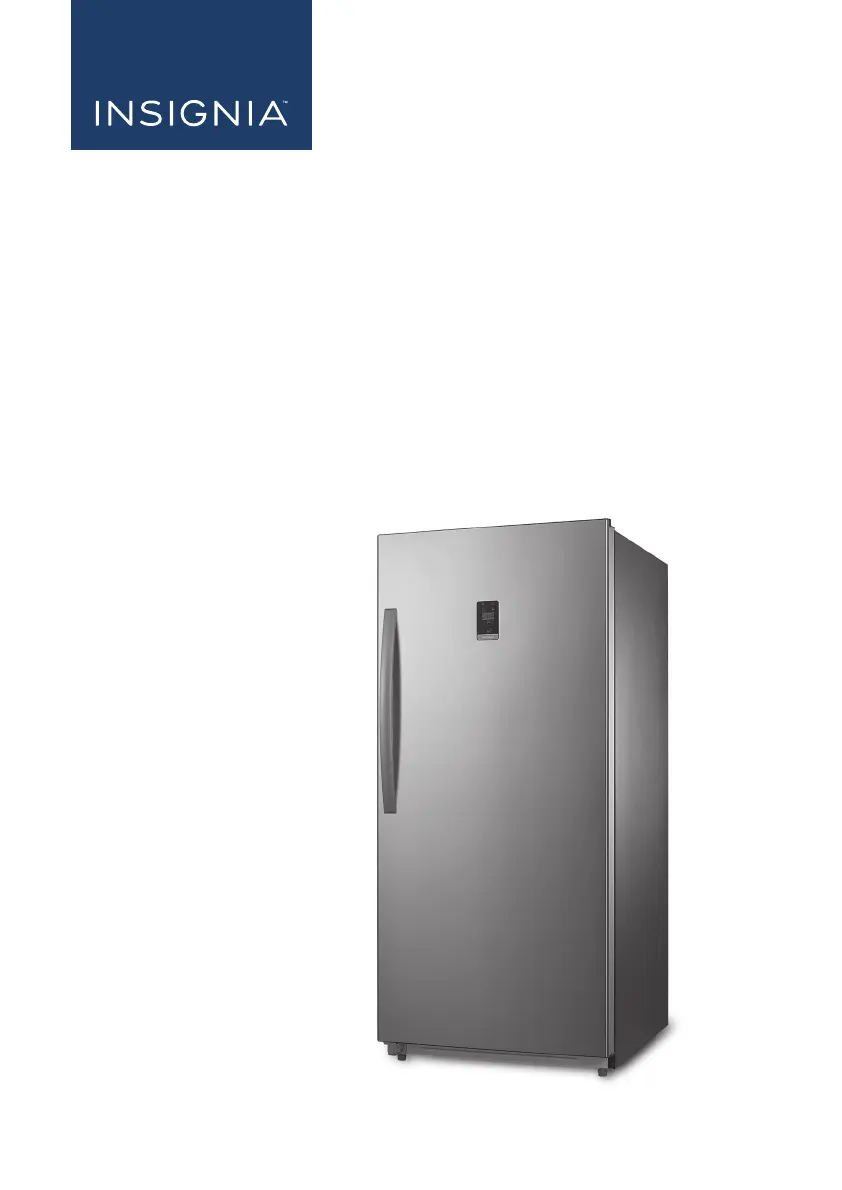
USER GUIDE
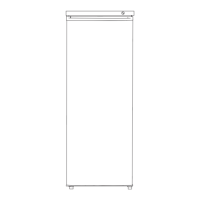
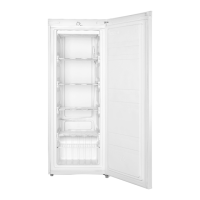
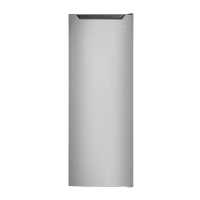
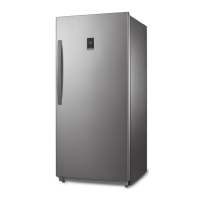
13.8 Cu.Ft. Upright Freezer
NS-UZ14XSS8

Questions and Answers

  • M
    Melissa MartinezAug 13, 2025
    How to troubleshoot Insignia NS-UZ14XSS8 Freezer that does not operate?
    • L
      Lynn CruzAug 13, 2025
      If your Insignia freezer isn't operating, first ensure it's properly plugged into the outlet. Check your house's fuse or circuit breaker box, and replace the fuse or reset the circuit breaker if needed. If there was a power failure, the freezer will turn off and you should wait until the power is restored.
  • S
    suzannemartinezAug 17, 2025
    What to do if food in Insignia NS-UZ14XSS8 is not cold?
    • P
      pricecharlesAug 17, 2025
      If food in your Insignia freezer isn't cold enough, ensure the door is closed properly. If you've just added a large amount of food, allow time for it to cool. Also, check the door gasket and food distribution to ensure a complete seal. If the freezer was recently disconnected, allow four hours to cool down. Finally, check that the thermostat is set to a colder setting.
  • A
    Alan OsborneAug 21, 2025
    What to do if I got an alert that the temperature of my Insignia NS-UZ14XSS8 is out of range?
    • K
      knappkevinAug 21, 2025
      If you get an alert that the temperature of your Insignia Freezer is out of range, wait for the foods to cool if warm foods may have recently been added. You can also adjust the temperature, if the temperature is set too high or too low. If the room that the freezer is located in is too warm, wait for the room temperature to drop.
  • A
    Alexandra CookAug 25, 2025
    Why does the compressor turn on and off frequently on my Insignia NS-UZ14XSS8 Freezer?
    • J
      James CarterAug 25, 2025
      If the compressor in your Insignia freezer is turning on and off frequently, it could be normal if the room temperature is hotter than usual, or if you've just added a large amount of food (allow time for it to cool). Also, check that the door is closing completely and wasn't opened too often. If the freezer was recently disconnected, allow four hours to cool down. Ensure the thermostat is set correctly.
  • J
    Jason WrightAug 28, 2025
    Why is moisture building up in my Insignia NS-UZ14XSS8 Freezer?
    • L
      Lisa BrockAug 28, 2025
      If moisture is building up inside your Insignia freezer, ensure the door is closed properly. If the freezer is in a very humid location, consider moving it to a dryer spot. It's also normal if the weather is hot and humid.
  • J
    Jamie DukeAug 31, 2025
    Why is my Insignia Freezer making unusual noises?
    • S
      Steven BrownAug 31, 2025
      If your Insignia freezer is making unusual noises or vibrations, level it using the leveling feet. Ensure the body of the freezer isn't touching a wall and move it if necessary. Keep in mind that expansion and contraction of metal parts and refrigerant circulating are normal.
  • J
    Jeffrey GoodmanSep 4, 2025
    How to unlock the control panel on Insignia Freezer?
    • C
      crodriguezSep 5, 2025
      If the control panel on your Insignia freezer is unresponsive, it might be locked. Press and hold the Lock button for three seconds to unlock it.
  • L
    lanesamanthaSep 9, 2025
    What to do if I got an alert that the door of my Insignia Freezer is open?
    • C
      carpenterdanielSep 9, 2025
      If you receive an alert that the door of your Insignia Freezer is open, close the door. Ensure that nothing is blocking the door and that the freezer is level.

Summary

Introduction

Important Safety Instructions

Electric Shock Hazard

Warnings about electric shock hazards and failure to follow instructions.

Grounding Requirement

Explains the importance and procedure for grounding the freezer.

Product Features

Package Contents and Interior

Lists package items and illustrates internal freezer components.

Freezer Setup and Controls

Touch Pad Controls

Explains the function of each button on the control panel.

Initial Setup Procedures

Initial steps and considerations before operating the freezer.

Freezer Placement and Leveling

Choosing a Suitable Location

Recommendations for placing the freezer in an optimal location.

Leveling the Freezer

Instructions on how to properly level the freezer for optimal performance.

Power Supply Requirements

Door Handle Installation

Operating Your Freezer

Basic Operation and Lock Button

General usage and how to lock/unlock the control panel.

Freezer Modes and Maintenance

Mode Switching and Quick Freeze

Changing modes (Freezer/Fridge) and using the quick freeze function.

Temperature Units and Cleaning

Switching units (F/C) and instructions for freezer cleaning.

Freezer Storage, Moving, and Energy Saving

Storage, Moving, and Energy Tips

Guidance on storing, moving, and optimizing energy usage.

Understanding Freezer Alerts

Temperature Alerts

Details on High Temp and Temp Out of Range alerts.

Door Open Alert

Explains the alert triggered by the door being left open.

Troubleshooting and Reset

Factory Reset Procedure

Steps to reset the freezer to its original factory settings.

Fault Codes and General Issues

Explains error codes and common troubleshooting problems.

Control Panel and Specifications

Control Panel Troubleshooting

Troubleshooting specific issues related to the control panel.

Technical Specifications

Key technical data for the freezer, like dimensions and power.

One-Year Limited Warranty

Warranty Coverage Details

Outlines what is covered and excluded under the warranty.

Obtaining Warranty Service

Provides instructions on how to get service under the warranty.

Insignia NS-UZ14XSS8 Specifications

General IconGeneral
BrandInsignia
ModelNS-UZ14XSS8
TypeUpright Freezer
ColorStainless Steel
Energy Star CertifiedNo
Number of Shelves4
Reversible DoorYes
Defrost TypeManual

Related product manuals