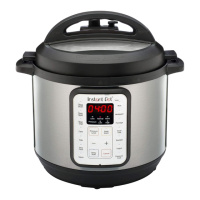
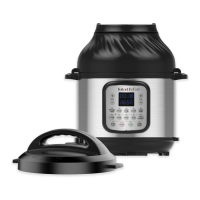
Troubleshooting
Occasional ticking or light
cracking sound
The sound of power
switching and expanding
pressure board when
changing temperature
This is normal
Bottom of the inner pot is
wet
Wipe bottom of the inner
pot dry before cooking
Problem
Possible reason
Solution
Self-diagnosed
Warning Displays
The word “PrSE” is displayed
because of excess pressure.
The word “Food burn” or
‘burn’ is displayed because
food is burnt on inner pot
The word “no Pr” is
displayed because there is
not enough pressure
Remove food from cooker
and deglaze inner pot,
then reintroduce food
Add a minimum 1.5 cups
(375 mL) of a thin liquid
to the inner pot
The word “Lid” is displayed
because lid is not placed
properly
Make sure the lid is
closed properly. Do not
use the lid during the
Sauté Smart Program
If pressure has not fully
released after 60 minutes
contact the Customer Care
Team.

 To Next Page
 Loading...