instantpot.co.uk | 31
Other cooking styles
Sauté
Sauté can be used in place of a frying pan, griddle or at-top grill.
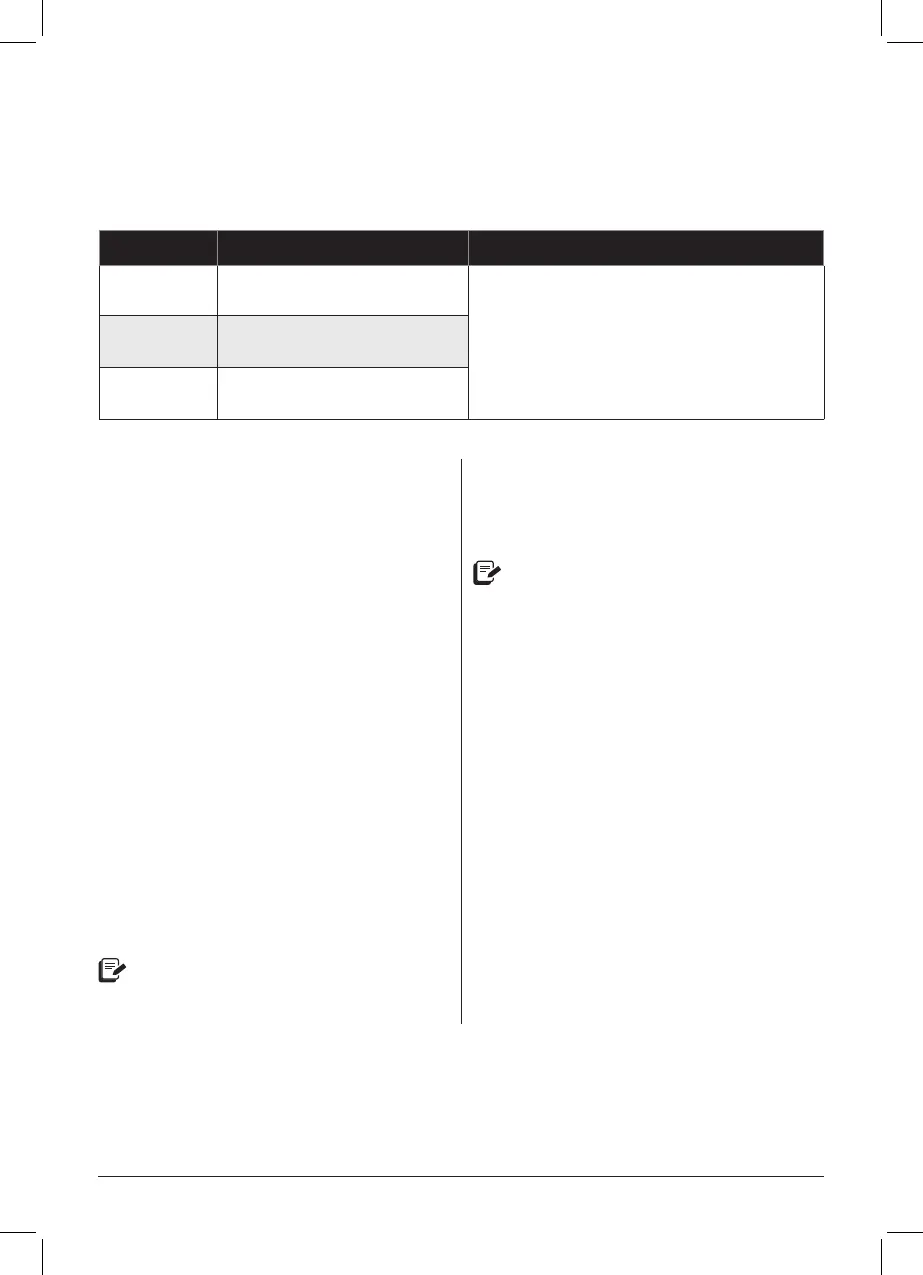
Setting Suggested Use Notes
Less
Simmering, thickening and
reducing liquids.
The display switching from Hot to On indicates
that the multicooker is maintaining the
cooking temperature.
As a safety precaution, 30 minutes is the
maximum cooking time.
Normal Pan searing or sautéing.
More Stir-frying or browning meat.
Stage 1: Setting up the Duo for sautéing
01 Insert the inner pot into the
multicooker base. Do not use a lid.
02 Secure the power lead to the base
power socket at the back of the
multicooker base. Make sure the
connection is tight.
Connect the power lead to
a 220–240V power source.
The display shows OFF.
03 Press Sauté.
04 Press Sauté again to cycle through the
pre-set temperature options in Less,
Normal and More.
05 Use the − / + buttons to adjust the
cooking time.
Cooking time and temperature level
adjustments are saved to the Smart
Programme when cooking begins.
06 After 10 seconds, the multicooker
displays On to indicate that it has
begun heating.
Stage 2: Sautéing
07 When the display switches from On
to Hot, add ingredients as directed
by your recipe.
If recipe ingredients are added before
the Hot message appears, it may not
appear at all. This is normal!
08 If you nish sautéing before the timer
runs out, press Cancel. Otherwise,
when cooking is complete, the display
shows End.
Delay Start and Automatic Keep Warm are not available on the Sauté Smart Programme.
Duo-UK-ENG-Full_Manual-2021-03-03.indd 31Duo-UK-ENG-Full_Manual-2021-03-03.indd 31 3/3/21 3:33 PM3/3/21 3:33 PM



 To Next Page