instanthome.com | 9
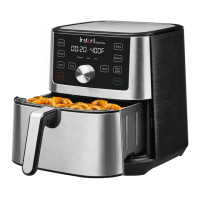
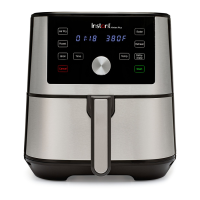
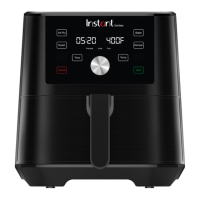
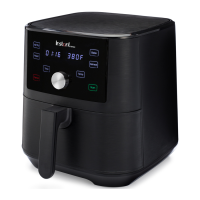
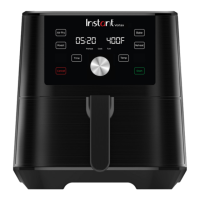
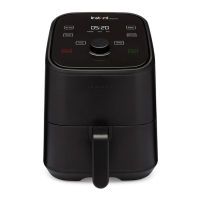
Control panel
1 Time/temperature display
Shows the cooking time, the set temperature, reminder
messages and error messages.
2 Time Touch Time if you want to adjust the cooking time.
3 Temp Touch Temp if you want to adjust the cooking temperature.
4 Cooking status Preheat, Cook and Turn.
5 Smart programs
• Air Fry
• Roast
• Bake
• Reheat
6 Dial
Rotate to adjust cooking times and temperatures.
Press to wake the display.
7 Start Touch Start to begin a selected smart program.
8 Cancel
Touch Cancel to stop a smart program at any time and go back
to standby.
Find full instructions for use online at instanthome.com.
Air Fry
Roast
Cancel
Bake
Reheat
Start
Time Temp
1
6
5
8
5
7
3
4
2
Illustrations in this document are for reference only and may differ from the actual product.
Always refer to the actual product.
Instant_Vortex_4QT_Interim_ENGLISH_GSG_2021-05-28.indd 9Instant_Vortex_4QT_Interim_ENGLISH_GSG_2021-05-28.indd 9 5/28/21 5:43 PM5/28/21 5:43 PM






 To Next Page