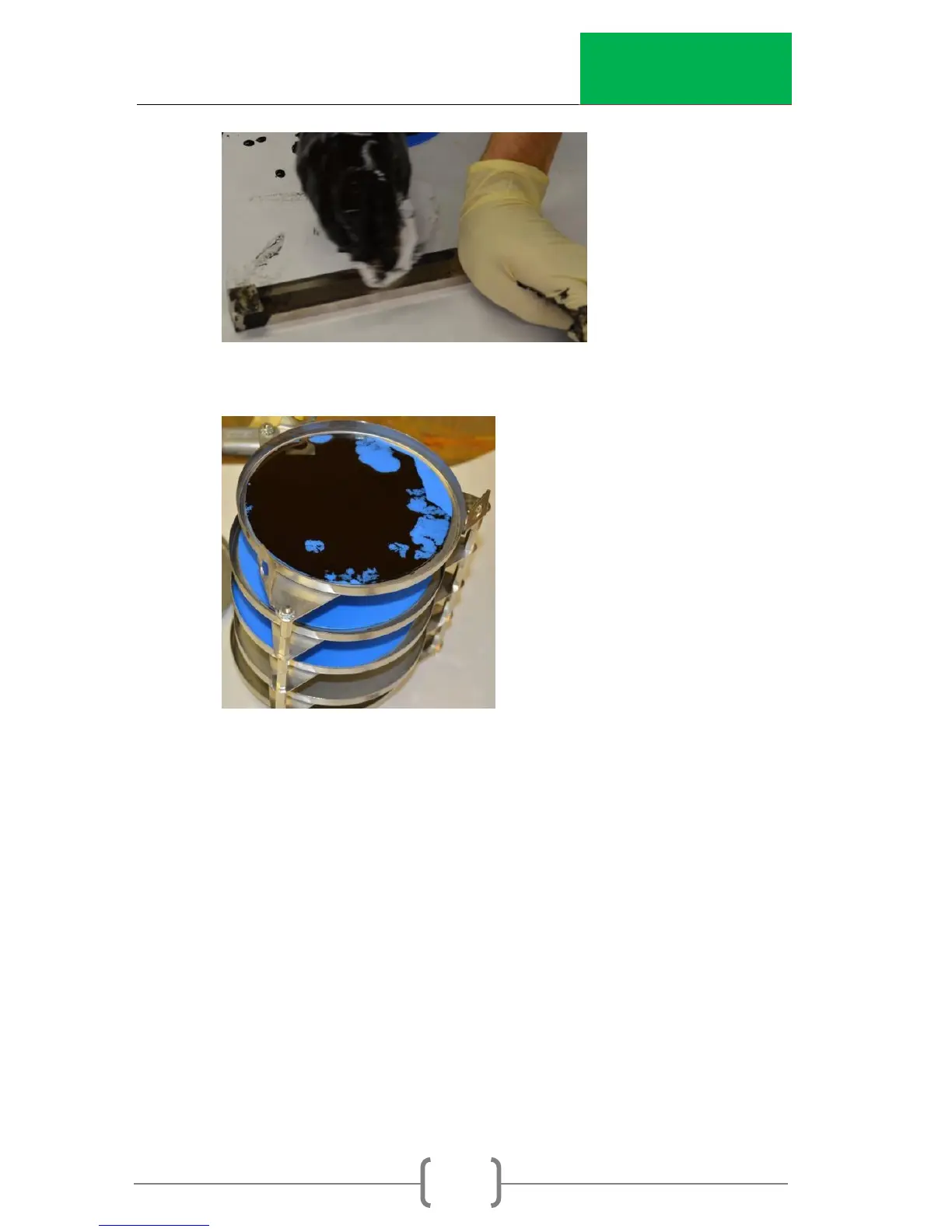
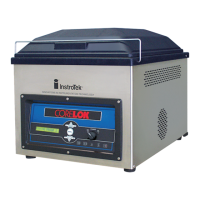
8. Place the pan on the rack for drying.
9. Repeat the sample preparation process for the
remaining 4 pans.
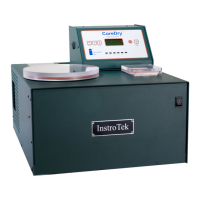
10. Turn on the CoreDry and select Program`` 5 for drying
the emulsion.
a. Enter Menu. Select option 1. Program #. Press
Enter.
b. Press the Up/Down arrows until 5 is shown.
c. Press Enter, then press STOP.
d. Verify that the main screen says “System Ready
P5”.


 To Next Page