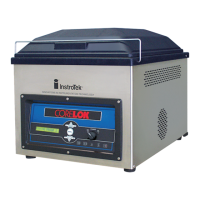
CoreDry will not release vacuum –
Make sure the unit is powered on.
Run Self-Test to make sure everything is working within
normal parameters.
Remove 4 screws, total 1 on each side at the back
edge and 1 on each side in the middle near the base.
Rotate top cover forward and slowly remove one of the
hoses from sample tank. WARNING: DOING SO WILL
RELEASE VACUUM IN TANK AND WILL CAUSE THE LIDS TO
BECOME FREE TO MOVE.
Contact InstroTek for troubleshooting help 919-875-8371.
Warning screen prompting to change oil –
Change oil following procedure outlined in manual.
Contact InstroTek for troubleshooting help 919-875-8371.


 To Next Page