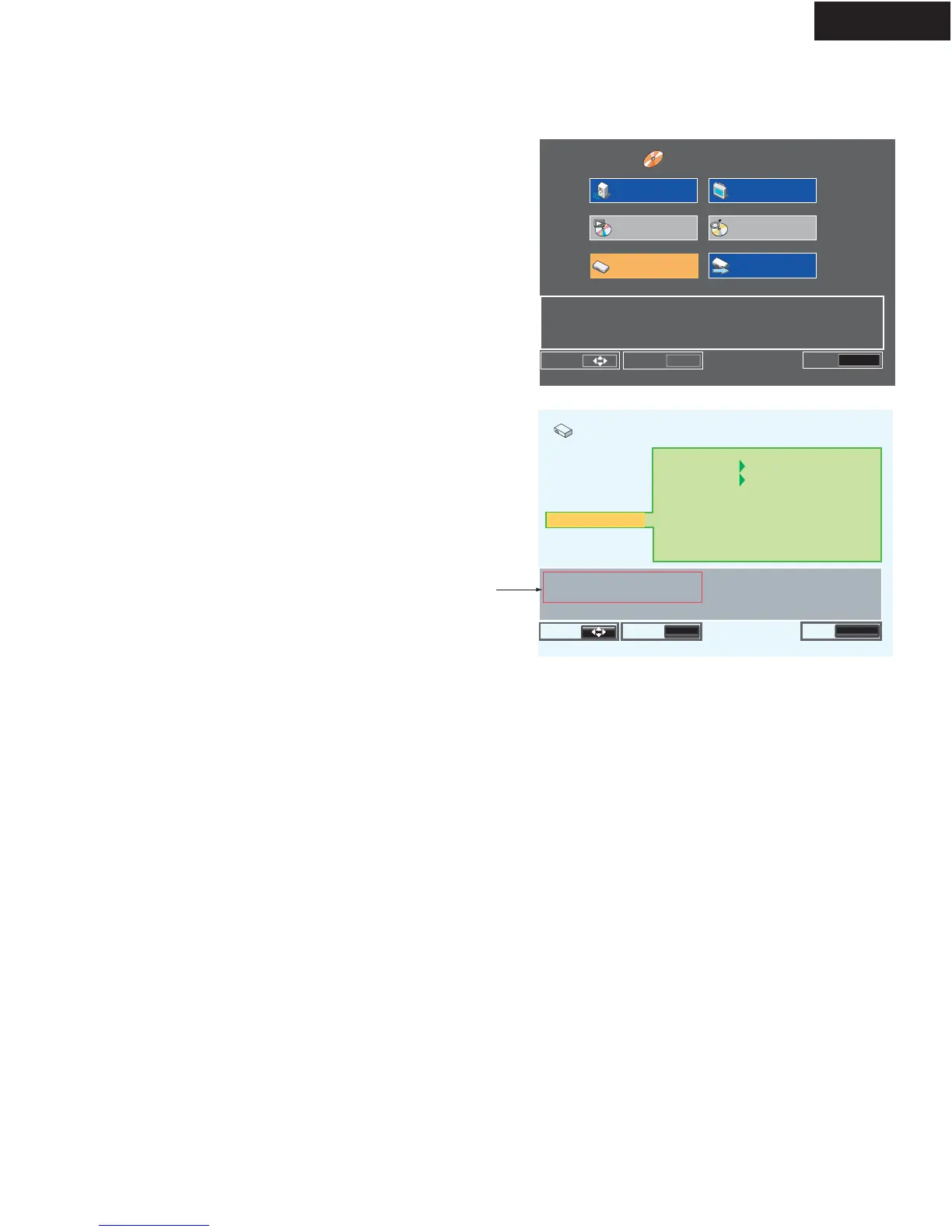
Confirm the Regional code and Firmware version.
1. Connect the TV monitor to the DPS-5.4.
2.Turn ON the power switch and standby switch ON. (No Disc)
3. Press the "SETUP" key on the front panel.
Appear a HOME MENU. (Photo-1)
4. Select "Initial Settings" menu and press "ENTER".
5. Select "Options" menu, and press the "DISPLAY" button.
6. Appear regional code and firmware ROM number.
Confirm the regional cord and firmware version.
When close the menu, press "RETURN" button of
the unit.
Make advanced settings
Move
Select
ENTER



 To Next Page