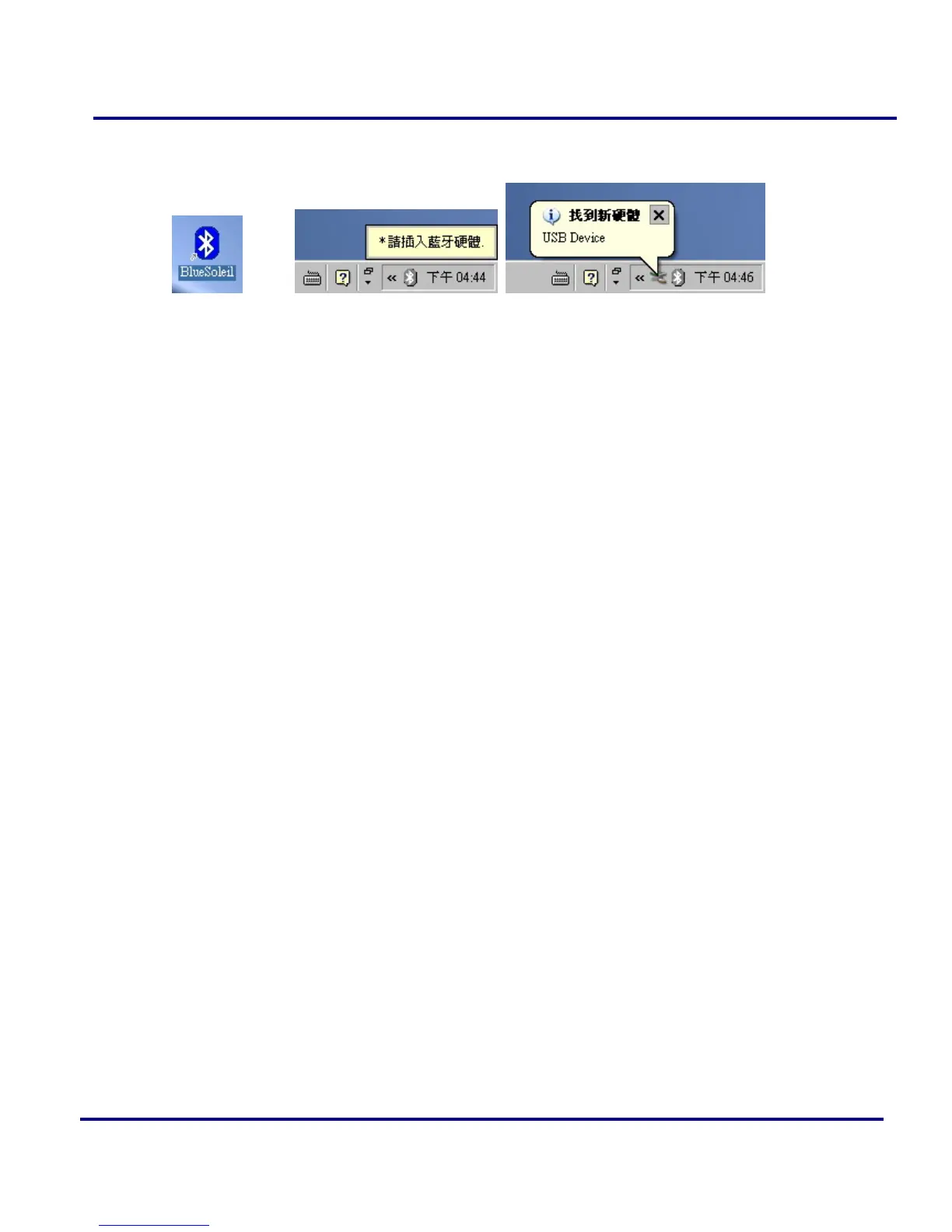
bar respectively when logged in Windows operating system. For more
information on the BlueSoleil, please refer to Chapter 2.
Figure 1-8: BlueSoleil on the Desktop and the system tray
8 Now you can plug-in / install your USB Bluetooth Adapter into your computer.
1.3 Install Bluetooth software on Windows XP
1. Insert the Installation Software CD into CD-ROM drive. If the Auto-Run function
of CD-ROM is disabled, you can utilize the Windows Explorer to browse CD
content and run Setup.exe manually.
If the Auto-Run function of CD-ROM is enabled (in Windows, the default setting of
this function is usually enabled), then a CD menu will appear automatically.
2. Select the Language you want to installation from the combo box, and then press
the “OK” button to continue.



 To Next Page