1.5 Start the Bluetooth Device
The Bluetooth Adapter need to plug into the USB port of your computer, and Start the
Bluetooth Adapter service for ready to service.
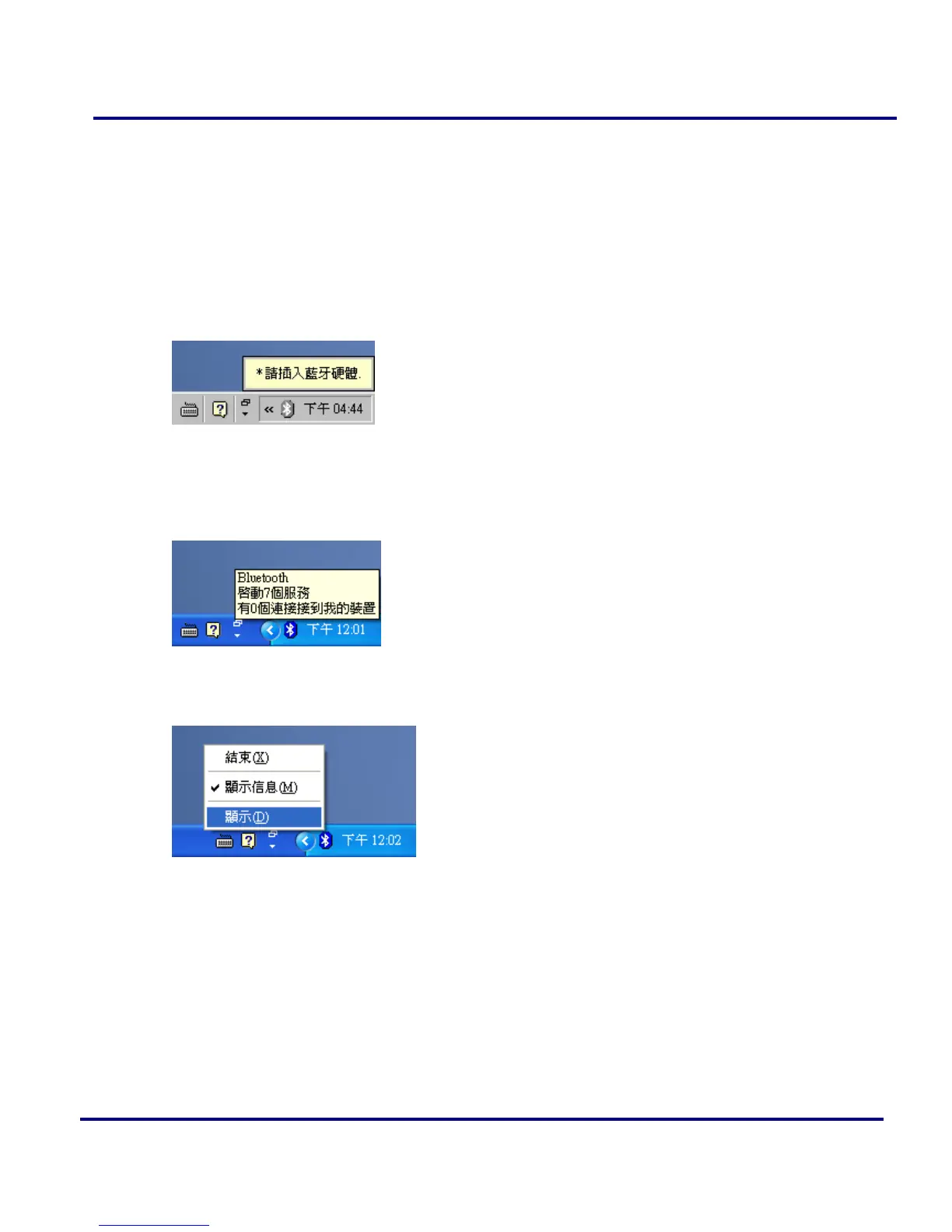
1. If you didn’t plug the Bluetooth Adapter, the Start tray will show the Bluetooth is
not available logo.
Figure 1-22: Bluetooth system tray shows Bluetooth Adapter is not available
2. After you plug the Bluetooth USB Adapter, the system tray Icon will become
available.
Figure 1-23: Bluetooth system tray shows Bluetooth Adapter is working normal
3. Right Click the Bluetooth service tray Icon, press the “Display”.
Figure 1-24: Start using Bluetooth from the system tray
4. Give this Bluetooth service computer a name and computer type, let the other
Bluetooth identify.



 To Next Page