2.2 Explorer BlueSoleil
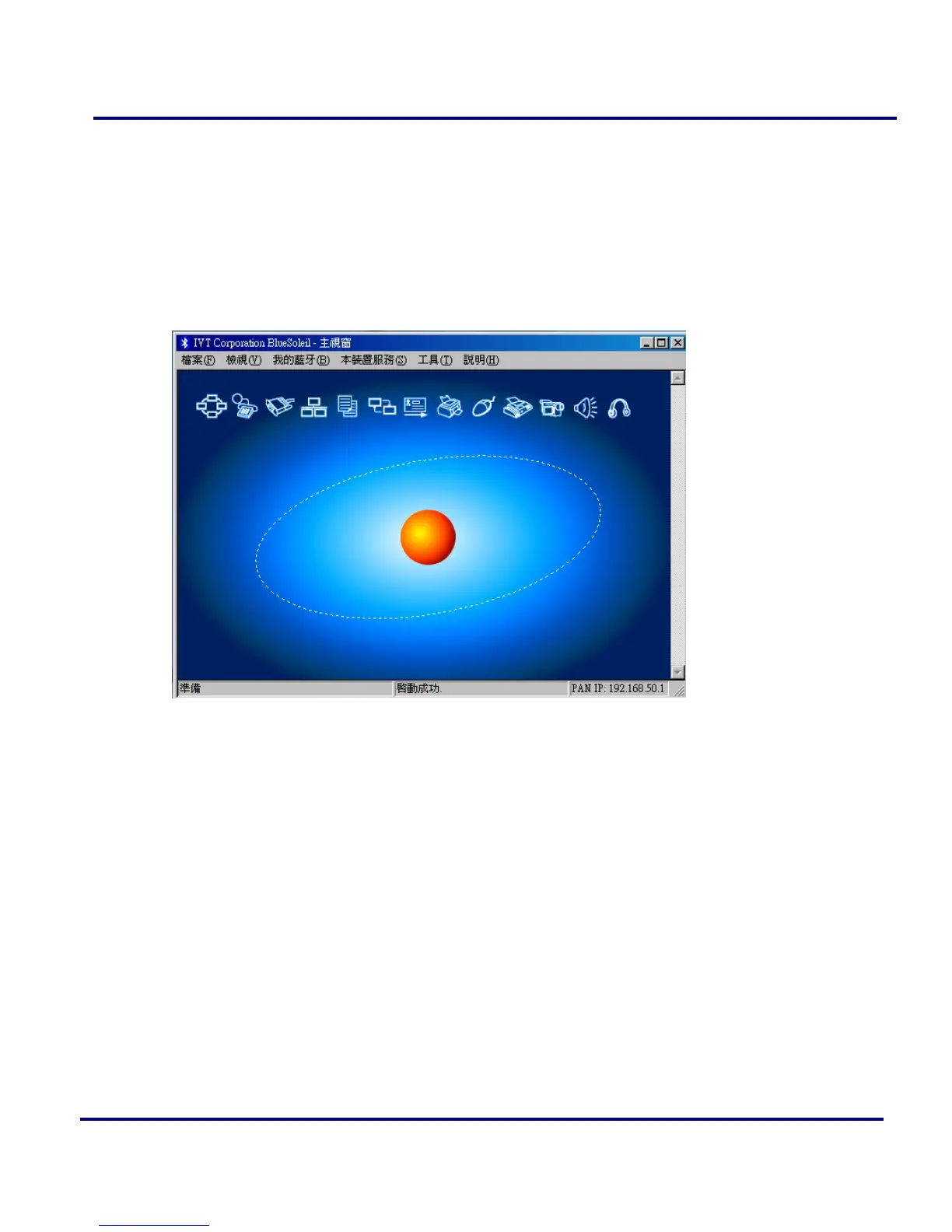
Double click the BlueSoleil on the Desktop or right click the BlueSoleil on the system
tray. Then open the BlueSoleil service window. You can find correct working
Bluetooth device in here. Also you can click the other function list on the left side of
the windows.
Figure 2-7: BlueSoleil main window
2.3 File
In the file menu, there are three items.
Hide: Hide the BlueSoleil window. Connections can still run when the window is
hidden.
Always on Top Keep BlueSoleil window always on top.
Exit: Exit BlueSoleil.
Note: You can also exit BlueSoleil by right-clicking on the task tray icon at the
bottom of your screen. In the pop-up menu, click Exit.



 To Next Page